

- Updated: February 26, 2026
- 5 min read
Docker BuildKit: The Hidden Gem Empowering Modern Container Builds
Docker BuildKit is a hidden‑gem build engine that can compile OCI images, tarballs, Alpine APK packages, and virtually any artifact by leveraging a parallel, content‑addressable cache and pluggable front‑ends.
Unlocking Docker BuildKit: The Secret Weapon for Modern CI/CD Pipelines
Why BuildKit Matters Today
Every time a DevOps engineer runs docker build, BuildKit is silently orchestrating the work. Yet most teams treat it as a black‑box “Dockerfile compiler.” In reality, BuildKit is a general‑purpose, pluggable build framework that rivals LLVM in flexibility. For organizations that demand faster feedback loops, reproducible artifacts, and the ability to output more than just container images, BuildKit is the engine that delivers.
From UBOS platform overview to enterprise‑grade CI/CD, the principles behind BuildKit align perfectly with modern automation strategies.
BuildKit Architecture: LLB, Front‑ends, Solver & Cache
LLB – Low‑Level Build Definition
LLB is the intermediate representation that describes a directed acyclic graph (DAG) of filesystem operations. Think of it as the LLVM IR for builds. Each vertex (run, copy, mount) is content‑addressable, meaning identical inputs generate identical hashes. This enables BuildKit to skip work that has already been performed, regardless of where it appears in the graph.
Pluggable Front‑ends
A front‑end is a container image that translates a build description (Dockerfile, YAML, JSON, HCL, etc.) into LLB. The front‑end is invoked via the BuildKit Gateway API and can be swapped with a simple # syntax=<image> directive. This decouples the build language from the engine, allowing you to create custom DSLs for specialized workflows.
For example, the ChatGPT and Telegram integration uses a custom front‑end to turn conversational prompts into LLB graphs that generate code snippets on the fly.
Solver & Cache Layer
The solver walks the LLB DAG, executing each vertex in parallel when dependencies allow. Because every vertex is content‑addressed, the solver can retrieve cached results from local storage, an embedded layer in the image, or a remote registry. This granular caching is far more efficient than the linear layer caching of the legacy Docker builder.
Multiple Output Types
BuildKit’s --output flag lets you export the final artifact in many formats: type=image (push to a registry), type=local (dump to a directory), type=tar, type=oci, and more. This flexibility is the foundation for non‑image use cases such as package managers, static site generators, and data pipelines.
Concrete Benefits for CI/CD Engineers
- Parallel Execution: Independent branches of the DAG run simultaneously, cutting build times dramatically on multi‑core runners.
- Content‑Addressable Caching: Identical steps are reused across pipelines, even across different projects, reducing redundant work.
- Fine‑Grained Cache Control: Cache can be scoped per‑step, per‑branch, or shared globally via a remote registry.
- Custom Artifact Generation: Export binaries, documentation, or package files directly without creating an intermediate container image.
- Scalable to Enterprise: Tools like Enterprise AI platform by UBOS embed BuildKit to power large‑scale, reproducible pipelines.
Real‑World Example: Building Alpine APK Packages from YAML
Below is a step‑by‑step illustration of a custom front‑end that reads a simple YAML spec and produces an Alpine .apk package—all inside BuildKit.
name: hello
version: "1.0.0"
epoch: "0"
url: https://example.com/hello
license: MIT
description: Minimal CMake APK demo
sources:
  app:
    context: {}
    build:
      source_dir: hello
Steps to run the pipeline:
- Build the custom front‑end image:
docker build -t tuananh/apkbuild -f Dockerfile . - Invoke BuildKit with the YAML spec and request a local output:
docker buildx build \

  -f spec.yml \

  --build-arg BUILDKIT_SYNTAX=tuananh/apkbuild \

  --output type=local,dest=./out \

. - Inspect the
outdirectory for the generated.apkfile.
This workflow demonstrates three core BuildKit strengths:
- Custom front‑end replaces the Dockerfile entirely.
- Parallel compilation and packaging happen inside the same LLB graph.
- Final artifact is emitted directly to the host filesystem, bypassing any image registry.
Projects such as Dagger and Earthly have adopted this pattern to power their own CI/CD abstractions.
Adoption in Modern Tooling
BuildKit’s LLB graph is the lingua franca for several emerging build orchestration platforms:
| Tool | Primary Use‑Case |
|---|---|
| Dagger | Declarative CI/CD pipelines that compile to LLB for reproducible execution. |
| Earthly | Earthfiles → LLB conversion, enabling multi‑language builds with native caching. |
| UBOS partner program | Integrates BuildKit into partner SaaS offerings for accelerated artifact generation. |
By leveraging BuildKit, these tools inherit a battle‑tested engine that already handles parallelism, remote caching, and multi‑output exports.
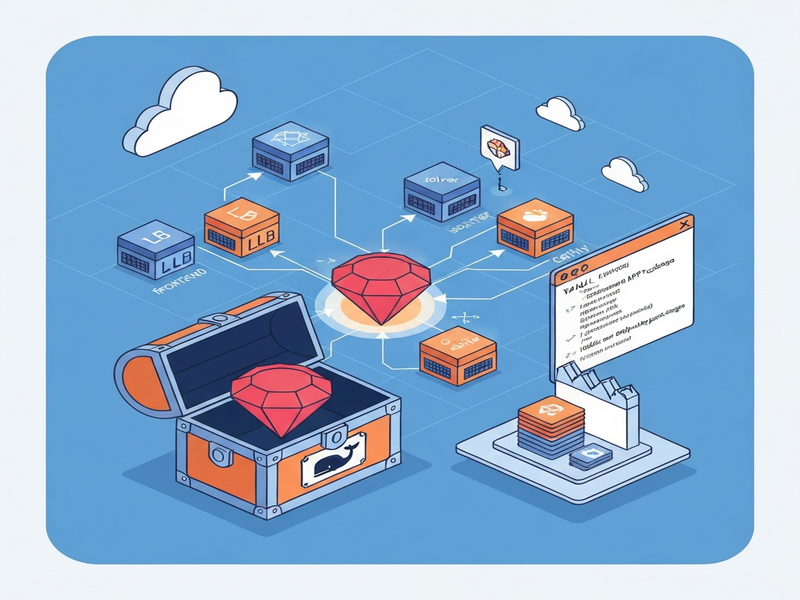
Illustration of the LLB graph flowing through the BuildKit solver and cache layers.
Conclusion: Make BuildKit Your CI/CD Backbone
Docker BuildKit is no longer a hidden feature—it is a strategic asset for any organization that values speed, reproducibility, and flexibility in its build pipelines. By adopting BuildKit’s pluggable front‑ends and content‑addressable cache, you can shrink build times, eliminate redundant work, and generate any artifact type you need.
Ready to experiment? Start with the free UBOS templates for quick start, then explore the Web app editor on UBOS to prototype a custom front‑end in minutes.
For a deeper dive into BuildKit’s internals, check out the original deep‑dive article: BuildKit: Docker’s Hidden Gem. And if you’re looking for a partner that can help you integrate BuildKit into a full‑stack AI‑driven workflow, explore the UBOS partner program today.
Further Reading & Tools on UBOS
- AI SEO Analyzer – Optimize your BuildKit documentation for search engines.
- AI Article Copywriter – Generate release notes for your new BuildKit pipelines.
- Talk with Claude AI app – Get instant advice on LLB graph design.
- AI Video Generator – Create tutorial videos that walk through your custom front‑ends.
- AI LinkedIn Post Optimization – Share your BuildKit success stories with the right audience.
Andrii Bidochko
CTO UBOS
Andrii Bidochko is an AI entrepreneur and researcher focused on AI agents, reinforcement learning, and autonomous systems. He writes about the technologies shaping the future of machine intelligence, from frontier models and agent architectures to real-world AI applications.