

- Updated: January 7, 2026
- 6 min read
WhatsApp Introduces New Group Chat Features Including Member Tags
WhatsApp has rolled out three new group‑chat enhancements—member tags, text stickers, and event reminders—to make conversations more contextual, expressive, and organized.
WhatsApp Unveils Member Tags, Text Stickers & Event Reminders for Group Chats
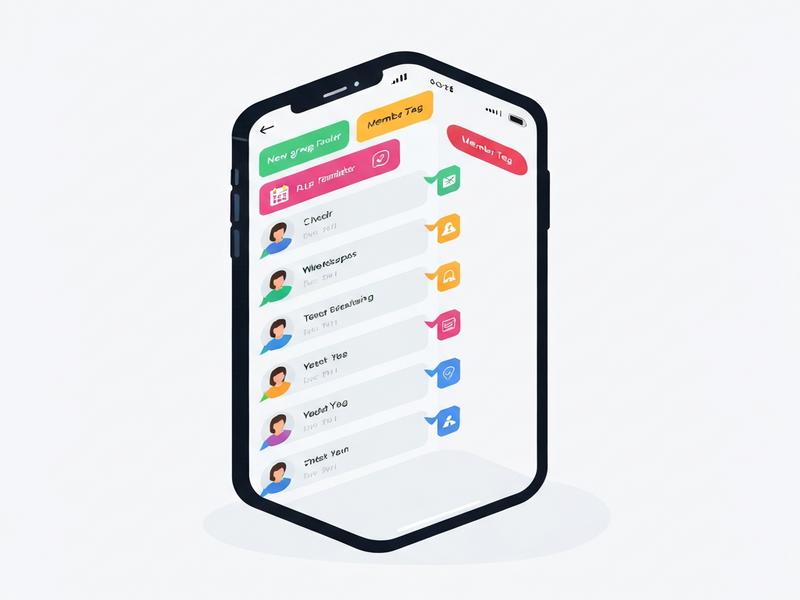
In a move that signals a renewed focus on community‑centric messaging, WhatsApp announced a suite of group‑chat upgrades on TechCrunch. The new tools—member tags, text stickers, and event reminders—are designed to cut through the noise of bustling group conversations, giving users clearer context, richer expression, and better coordination for shared events.
For tech‑savvy professionals, social‑media managers, and anyone who relies on instant messaging for collaboration, these features could reshape daily workflows. Below we break down each addition, compare them with rival platforms, and explore practical use‑cases that can boost productivity and engagement.
1. Member Tags: Context at a Glance
Member tags let users assign a custom label to their profile within a specific group. Unlike a static display name, tags appear only inside the chosen chat, offering instant context about a participant’s role or relationship.
- Examples: “Anna’s Dad”, “Project Lead – Q3”, “Goalkeeper”.
- Tags are searchable, making it easier to locate the right person in large groups.
- Admins can suggest tags for new members, streamlining onboarding.
2. Text Stickers: Words That Pop
WhatsApp now transforms any typed word or phrase into a sticker on the fly. By entering text into the Sticker Search bar, users can generate a stylized sticker that can be saved to personal packs without sending it first.
- Supports custom fonts, colors, and emojis.
- Facilitates brand‑consistent communication for teams (e.g., “Approved”, “Urgent”).
- Stickers can be reused across chats, saving time on repetitive messaging.
3. Event Reminders: Built‑In Scheduling
When creating an event within a group, hosts can now attach a reminder that pings participants at a chosen interval before the event starts. This eliminates the need for third‑party calendar links.
- Custom reminder times (e.g., 30 minutes, 1 hour, 1 day).
- Automatic time‑zone detection for global teams.
- Reminders appear as native chat messages, keeping the conversation thread intact.
How WhatsApp’s New Tools Stack Up Against Competitors
| Feature | Telegram | Discord | |
|---|---|---|---|
| Member Tags / Role Labels | Custom per‑group tags visible only in that chat. | Static usernames; no per‑group role labels. | Server roles, but not inline tags in messages. |
| Text‑to‑Sticker | Instant sticker generation from any text. | Sticker bots required; no native text‑to‑sticker. | Custom emoji packs, but no direct text‑to‑sticker. |
| Event Reminders | Built‑in reminders attached to group events. | External bots or calendar links. | Event scheduling via bots; no native reminder UI. |
While Telegram and Discord excel in community moderation and voice channels, WhatsApp’s new features bring a tighter, context‑rich experience directly into the chat flow—ideal for professional groups that value simplicity and security.
Real‑World Impact: Who Benefits and How?
Project Management Teams
Member tags can denote roles like “Scrum Master” or “UX Lead”, reducing ambiguity in fast‑moving sprint chats. Event reminders keep stand‑up meetings and deadline alerts visible without switching apps.
Customer Support Groups
Support agents can tag themselves with “Tier‑1”, “Escalation”, or “Billing”. Text stickers such as “✅ Resolved” speed up status updates, while reminders ensure follow‑ups on pending tickets.
Social Media Managers
Quick‑fire stickers like “Approved” or “Schedule” streamline content‑approval loops. Event reminders sync launch dates across cross‑functional teams, eliminating missed posts.
Family & Community Groups
Parents can tag themselves as “Mom” or “Dad”, making it easier for kids to address the right adult. Event reminders for birthdays or potlucks keep everyone on the same page.
“WhatsApp’s focus on contextual tags and native reminders shows a clear intent to become the go‑to platform for both personal and professional group coordination,” the TechCrunch report notes. “These additions close gaps that competitors have filled with bots, while preserving WhatsApp’s hallmark simplicity.”
Leverage WhatsApp’s New Features with UBOS AI Solutions
At UBOS homepage, we empower businesses to integrate messaging platforms directly into their workflows. Whether you’re building a custom chatbot, automating reminders, or curating branded stickers, our suite of tools can accelerate adoption.
- Explore the UBOS platform overview to see how low‑code modules connect WhatsApp with your CRM.
- Deploy AI marketing agents that auto‑tag team members based on project status.
- Join the UBOS partner program for co‑branding opportunities and early access to new integrations.
- Check our transparent UBOS pricing plans—flexible tiers for startups and enterprises alike.
- Kick‑start your implementation with UBOS templates for quick start, including a pre‑built “WhatsApp Event Reminder” workflow.
- Design custom UI components using the Web app editor on UBOS to embed sticker generators directly in your portal.
- Automate multi‑step processes with the Workflow automation studio, linking group tags to task assignments.
- Scale globally with the Enterprise AI platform by UBOS, ensuring compliance and data residency.
- Startups can benefit from UBOS for startups by rapidly prototyping WhatsApp‑centric solutions.
- SMBs looking for affordable automation should explore UBOS solutions for SMBs.
- Review real‑world success stories in our UBOS portfolio examples.
- Integrate voice capabilities with the ElevenLabs AI voice integration for hands‑free reminder notifications.
- Connect your data lake using the Chroma DB integration to store and retrieve sticker metadata.
- Leverage the OpenAI ChatGPT integration for intelligent tag suggestions based on conversation context.
- Explore the ChatGPT and Telegram integration as a comparative case study for cross‑platform messaging.
- Boost content creation with the AI SEO Analyzer to fine‑tune your WhatsApp‑linked marketing copy.
- Generate compelling copy for sticker packs using the AI Article Copywriter.
- Produce short promotional videos with the AI Video Generator and embed them directly into group chats.
Ready to future‑proof your communication strategy? Dive into our resources and start building smarter WhatsApp experiences today.
Conclusion
WhatsApp’s introduction of member tags, text stickers, and event reminders marks a strategic shift toward richer, context‑aware group interactions. By delivering these capabilities natively—without the need for third‑party bots—WhatsApp narrows the functional gap with platforms like Telegram and Discord while preserving its hallmark simplicity and end‑to‑end encryption.
For professionals seeking to harness these tools at scale, integrating them with a robust low‑code AI platform such as UBOS can turn simple chat enhancements into powerful workflow engines, driving efficiency across teams of any size.