

- Updated: February 20, 2026
- 5 min read
Unlocking Apple Silicon Macs’ Hidden Accelerometer: Open‑Source Project Review
The Apple Silicon accelerometer project is an open‑source library that reads raw MEMS sensor data from M1, M2, M3, and newer Apple Silicon Macs via the macOS IOKit HID interface, exposing three‑axis acceleration at up to 800 Hz under an MIT license.
Introduction
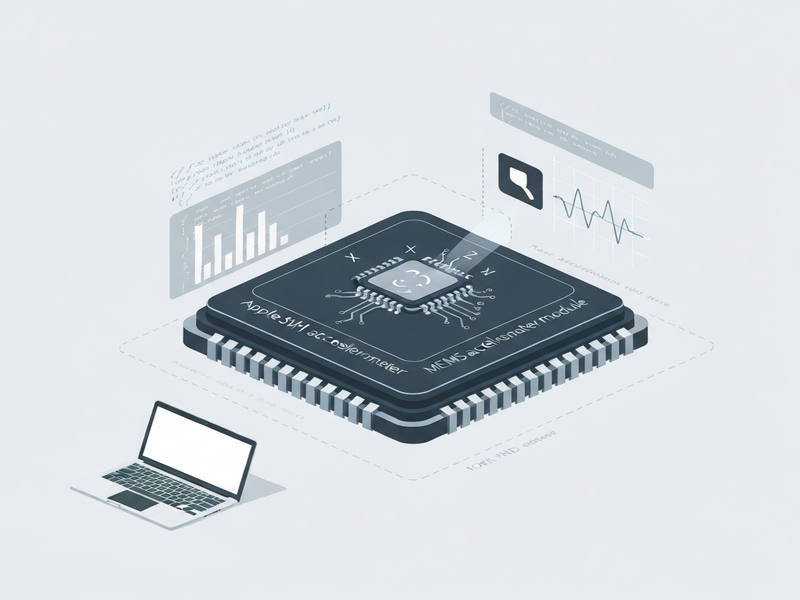
Apple’s custom silicon (M1, M2, M3, and the upcoming M4) packs a hidden MEMS accelerometer inside the Sensor Processing Unit (SPU). While the sensor powers internal features such as sudden‑motion detection, Apple does not expose a public API for developers. The Apple Silicon accelerometer project changes that by tapping the IOKit HID stack, delivering raw 3‑axis data to any macOS process with the appropriate privileges.
This breakthrough opens a new frontier for hardware hacking, enabling hobbyists, researchers, and SaaS developers to build novel motion‑aware applications—everything from gesture‑based controls to health‑monitoring prototypes.
Project Overview
The repository, released under the permissive MIT license, consists of two core Python modules:
spu_sensor.py– Handles low‑level IOKit bindings, device discovery, and the asynchronous HID callback.motion_live.py– Provides a real‑time terminal UI, basic signal‑processing pipelines (e.g., vibration detection, ballistocardiography), and example usage patterns.
Both modules are deliberately isolated so developers can import spu_sensor into any Python‑based workflow, whether it’s a Web app editor on UBOS or a custom Workflow automation studio pipeline.
Technical Details
How the Sensor Is Exposed in macOS
The accelerometer lives under the AppleSPUHIDDevice node in the IOKit registry, identified by a vendor‑specific usage page 0xFF00 and usage ID 0x03. The driver responsible for the device is AppleSPUHIDDriver, which forwards 22‑byte HID reports to user space.
Each report encodes the X, Y, and Z axes as signed 32‑bit little‑endian integers located at byte offsets 6, 10, and 14 respectively. Dividing the raw integer by 65536 yields the acceleration in units of g (gravity).
Sample Code Snippet
import spu_sensor

def my_callback(x, y, z):
    print(f"Accel → X:{x:.3f}g Y:{y:.3f}g Z:{z:.3f}g")

sensor = spu_sensor.SPUAccelerometer(callback=my_callback)
sensor.start()
# Runs until you press Ctrl‑C
Performance Characteristics
| Metric | Value |
|---|---|
| Sampling Rate | ≈ 800 Hz (max) |
| Resolution | 1/65536 g per LSB |
| Latency | ~ 2 ms (depends on callback processing) |
| Supported Devices | M1, M2, M3, M4 MacBooks (tested on M3 Pro) |
Integration Possibilities with UBOS
Because the sensor data is exposed as a standard Python stream, you can pipe it directly into any Enterprise AI platform by UBOS. For example, combine the live acceleration feed with the Chroma DB integration to store time‑series vectors for later similarity search, or feed it into the ElevenLabs AI voice integration to generate spoken alerts when a threshold is crossed.
Usage and Limitations
Below is a practical checklist for developers who want to experiment with the accelerometer today.
- Root privileges – Access to the HID device requires
sudoon macOS. - Device discovery – Verify the sensor exists with
ioreg -l -w0 | grep -A5 AppleSPUHIDDevice. - Supported OS versions – The current implementation works on macOS 15.6.1 and may break with future releases.
- Data reliability – While the raw sensor is accurate, environmental noise (e.g., vibrations from the fan) can affect readings.
- Legal disclaimer – The project is not affiliated with Apple; use it at your own risk, especially for safety‑critical applications.
Sample Applications
Developers have already prototyped several creative uses:
- Gesture‑based media control (tilt the laptop to skip tracks).
- Real‑time posture monitoring by analyzing the device’s orientation.
- Ballistocardiography (BCG) – detecting heartbeats through chassis vibrations (experimental).
- Gaming input augmentation for indie titles built with the UBOS templates for quick start.
Performance Tips
To achieve stable 800 Hz streaming, consider the following:
- Run the Python process on a dedicated CPU core (use
tasksetorrenice). - Minimize heavy computation inside the callback; instead, push data into a thread‑safe queue.
- Apply a simple low‑pass filter (e.g., moving average) if you need smoother signals.
Licensing and Contribution
The codebase is released under the MIT license, which permits commercial use, modification, and distribution without requiring source disclosure. This permissive model aligns well with the About UBOS philosophy of open collaboration.
Contributors are encouraged to:
- Submit pull requests that add support for additional macOS versions.
- Document edge‑cases (e.g., M1 Ultra, Apple Silicon iMacs).
- Integrate the sensor feed with other UBOS services such as the AI marketing agents for context‑aware campaigns.
- Join the UBOS partner program to co‑market solutions built on this sensor.
Getting Started Quickly
Follow these steps to spin up a demo within minutes:
# Clone the repo
git clone https://github.com/olvvier/apple-silicon-accelerometer
cd apple-silicon-accelerometer

# Install dependencies
pip install -r requirements.txt

# Run the live demo (requires sudo)
sudo python3 motion_live.py
For developers who prefer a no‑code environment, the AI SEO Analyzer template demonstrates how to ingest the accelerometer stream, compute simple metrics, and expose them via a REST endpoint—all without writing a single line of code.
Conclusion & Call to Action
The Apple Silicon accelerometer project transforms a hidden hardware component into a versatile data source for developers, researchers, and makers. By leveraging macOS IOKit HID, it delivers high‑frequency, low‑latency motion data under an MIT license, inviting endless experimentation.
If you’re a tech enthusiast or hardware developer eager to explore motion‑aware AI, now is the perfect time to integrate this sensor with the broader UBOS platform overview. Combine it with ready‑made templates like the AI Video Generator or the AI Chatbot template to prototype interactive experiences in days rather than weeks.
Visit the UBOS homepage to explore pricing, discover more templates, and join a community that turns raw sensor data into real‑world value. Start building today, and share your creations on the UBOS portfolio examples page to inspire others.
Ready to dive in?
Download the source, experiment with the code, and let the Apple Silicon accelerometer become the heartbeat of your next AI‑powered product.