

- Updated: February 26, 2026
- 5 min read
Turning Android Notifications into a Productivity Dashboard – UBOS News
Turning Android notifications into a productivity dashboard is now possible with UBOS’s low‑code automation suite, allowing Android power users to transform every alert into structured, actionable data.
Why Android notifications deserve a dashboard
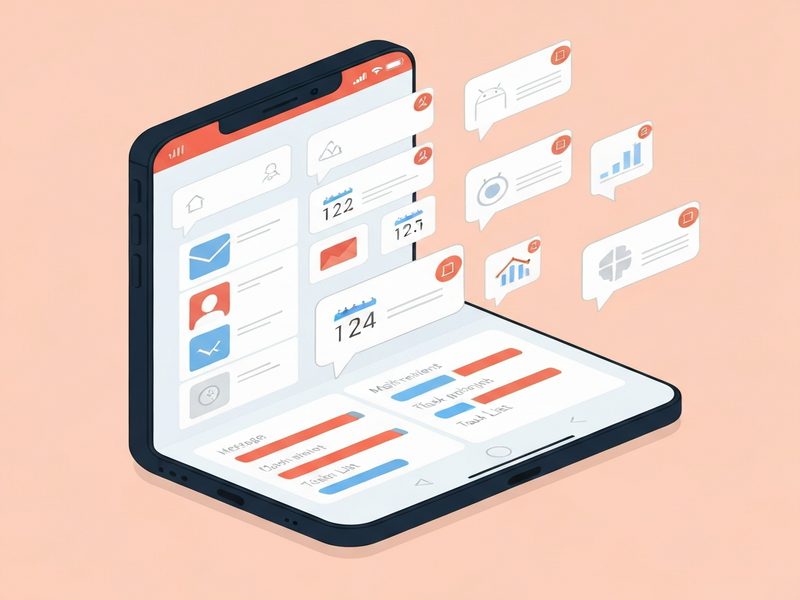
Android devices generate thousands of notifications each week—messages, calendar reminders, app updates, and system alerts. For tech enthusiasts, each ping is a potential data point, but unmanaged notifications quickly become noise. A dedicated productivity dashboard aggregates, categorises, and visualises these signals, turning chaos into clarity.
Imagine seeing a single screen that shows pending tasks, upcoming meetings, and critical system warnings—all sourced from your phone’s notification tray. This is the promise of the new approach highlighted by Android Police, and UBOS provides the tools to make it a reality.
What Android Police reported
In a recent feature, Android Police explored a community‑driven method for converting Android notifications into a live productivity dashboard. The article explained how developers leveraged NotificationListenerService to capture every incoming alert, then piped the data into a custom UI built with Jetpack Compose. Key takeaways included:
- Use of
NotificationListenerServiceto intercept notifications without root access. - Real‑time parsing of notification titles, texts, and timestamps.
- Aggregation of similar alerts (e.g., multiple email notifications) into a single dashboard card.
- Export options to CSV or Google Sheets for deeper analysis.
The article praised the concept but noted that building such a system from scratch requires solid Android development skills, a backend for storage, and a UI framework for visualisation.
Key features of a notification‑based productivity dashboard
UBOS’s platform abstracts the heavy lifting, delivering the same capabilities with drag‑and‑drop simplicity. The core features include:
Universal Notification Capture
Integrates with Android’s NotificationListenerService via the Telegram integration on UBOS, allowing you to forward raw notification payloads to a secure webhook.
Dynamic Data Mapping
Use the Workflow automation studio to define rules that classify notifications (e.g., “Task”, “Alert”, “Social”).
Customizable Dashboard Widgets
Leverage the Web app editor on UBOS to design cards, tables, and charts that update in real time.
Cross‑Platform Sync
Sync dashboards to any browser or desktop client, ensuring you never miss a notification even when your phone is out of reach.
Export & Analytics
Export aggregated data to CSV, Google Sheets, or connect to Chroma DB integration for advanced vector search.
AI‑Powered Insights
Integrate OpenAI ChatGPT integration to summarise daily notification trends or suggest priority actions.
Benefits for user productivity
When notifications are funneled into a structured dashboard, users experience measurable gains:
- Reduced context switching: One glance replaces dozens of manual checks.
- Prioritisation at scale: AI categorisation surfaces high‑impact alerts first.
- Data‑driven habits: Exported logs reveal patterns (e.g., peak email times) that inform better scheduling.
- Unified view across devices: Desktop and tablet dashboards keep you aligned with mobile activity.
- Automation triggers: Set rules that automatically silence low‑priority notifications during focus periods.
Step‑by‑step guide to set up your dashboard with UBOS
Follow these eight steps to transform Android notifications into a live productivity hub—no deep coding required.
-
Create a UBOS account
Visit the UBOS homepage and sign up for a free trial. Choose a plan that fits your needs; see the UBOS pricing plans for details.
-
Install the UBOS Android companion app
The companion app registers a
NotificationListenerServiceand forwards payloads to your UBOS workspace via a secure webhook. -
Connect a notification channel
In the UBOS dashboard, navigate to ChatGPT and Telegram integration. Link your Telegram account to receive real‑time notification snippets for debugging.
-
Define workflow rules
Open the Workflow automation studio and create a new flow:
- Trigger: “New notification received”.
- Condition: Parse
titleandtextfor keywords (e.g., “meeting”, “deadline”). - Action: Route to a specific dashboard widget or send to ElevenLabs AI voice integration for audible alerts.
-
Design the dashboard UI
Use the Web app editor on UBOS to drag cards onto a canvas. Choose from pre‑built widgets such as “Task List”, “Recent Alerts”, and “Time‑Series Chart”.
-
Add AI insights (optional)
Enable the OpenAI ChatGPT integration to generate daily summaries: “You received 27 notifications today, 12 of which were work‑related.”
-
Test and iterate
Send test notifications from your phone (e.g., a new email or calendar reminder). Verify that they appear correctly on the dashboard and that automation rules fire as expected.
-
Scale and share
Invite teammates via the UBOS partner program to collaborate on the same dashboard, or embed the dashboard in an internal portal using the UBOS platform overview.
Ready‑made templates that accelerate your workflow
UBOS’s Template Marketplace offers plug‑and‑play solutions that can be linked directly to your notification dashboard:
- AI SEO Analyzer – feed content‑related notifications to instantly evaluate on‑page SEO.
- AI Article Copywriter – turn brainstorming notes captured from notifications into draft articles.
- AI YouTube Comment Analysis tool – monitor brand mentions that arrive as push notifications.
- AI Video Generator – automatically create short recap videos from daily notification summaries.
- AI Chatbot template – embed a help‑bot in your dashboard to answer “What does this notification mean?” in real time.
Conclusion – Turn noise into actionable insight today
By leveraging UBOS’s low‑code automation, Android power users can finally tame the flood of notifications and convert them into a single, actionable productivity dashboard. This approach not only mirrors the technical brilliance described by Android Police but also democratizes it for anyone willing to follow a few simple steps.
Ready to boost your efficiency?
- Explore the Enterprise AI platform by UBOS for large‑scale deployments.
- Check out AI marketing agents to automate campaign alerts alongside your notification dashboard.
- Join the UBOS for startups community and share your custom dashboard templates.
Start building your notification‑driven productivity hub now and experience a cleaner, smarter Android experience.
Andrii Bidochko
CTO UBOS
Andrii Bidochko is an AI entrepreneur and researcher focused on AI agents, reinforcement learning, and autonomous systems. He writes about the technologies shaping the future of machine intelligence, from frontier models and agent architectures to real-world AI applications.