

- Updated: January 17, 2026
- 6 min read
Language‑Aided Designer (LAD): AI‑Powered SolidWorks Add‑in Transforms Design Workflow
<!– –>
The Language‑Aided Designer (LAD) is an AI‑driven SolidWorks add‑in that translates plain‑English commands into full‑featured CAD operations, enabling engineers to sketch, model, and automate design tasks without writing a single line of code.
Language‑Aided Designer (LAD) SolidWorks Add‑in: AI‑Powered CAD Automation for Modern Engineers
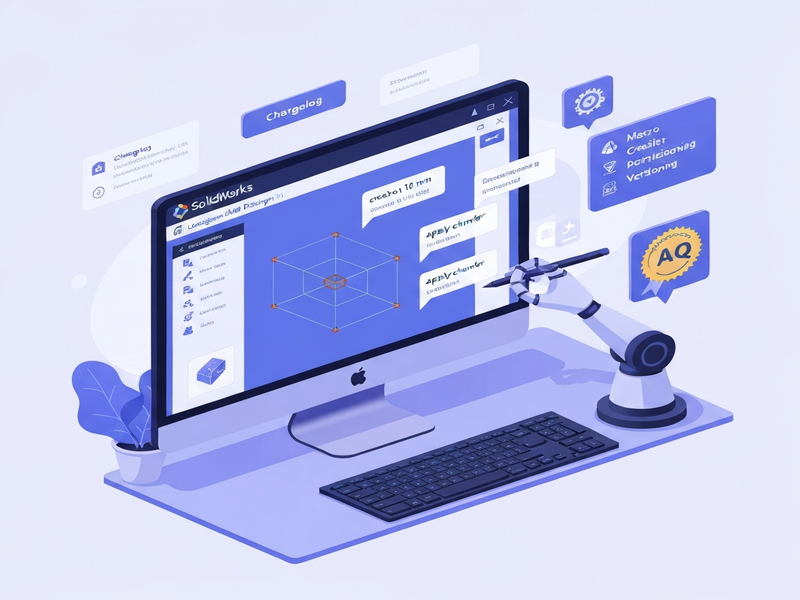
LAD (Language‑Aided Designer) brings conversational AI directly into the SolidWorks environment. By simply describing what you want—“Create a 50 mm diameter cylinder on the front plane”—the add‑in parses the request, generates the appropriate sketch, extrudes the feature, and updates the feature tree in real time. This capability reshapes the traditional CAD workflow, turning lengthy manual steps into a fluid dialogue between engineer and software.
Key Features of LAD
Natural‑Language Design
LAD’s core engine leverages large language models to understand design intent expressed in everyday language. It can:
- Interpret dimensional specifications, geometric relationships, and tolerances.
- Read and act on documentation files, reference images, or existing CAD drawings.
- Validate each operation against the current model state using screenshots and the feature tree.
Macro Creation & Execution
Beyond geometry, LAD can generate and run VBA macros on demand. This empowers users to automate niche tasks that are not covered by the built‑in commands.
- Automatic macro generation based on natural‑language prompts.
- Access to SolidWorks API documentation for context‑aware code suggestions.
- One‑click execution of custom scripts directly from the LAD panel.
Permissioning and Versioning
Enterprise teams often need granular control over automated actions. LAD provides:
- Checkpoint storage that lets you revert to any previous design state.
- Per‑command permission settings to prevent unintended modifications.
- Rule‑based guidance so the AI respects company‑specific design standards.
Referral Program & Free Months
Share your personal referral link and earn free months of LAD Pro for both you and the friend you invite. This incentive accelerates adoption across design teams and startups.
Planning Mode (Latest Update)
Version 1.1 introduces a “Planning Mode” that lets you outline a design sequence before execution. The AI then validates the plan, flags potential sketch issues, and optimizes caching for faster response times.
Benefits for Engineers and Design Teams
Adopting LAD translates into measurable productivity gains and higher design quality:
- Speed: Reduce routine sketching and feature creation time by up to 70%.
- Consistency: AI‑enforced design rules eliminate human error and ensure compliance with standards.
- Collaboration: Non‑CAD specialists can contribute design ideas via natural language, fostering cross‑functional teamwork.
- Scalability: Macro generation automates repetitive tasks across large assemblies, ideal for SMBs and enterprise environments.
- Learning Curve: New engineers ramp up faster because they can ask the system “How do I create a fillet on edge X?” and receive instant, executable commands.
How to Download and Get Started
- Visit the UBOS homepage and navigate to the UBOS platform overview to understand the ecosystem.
- Click the “Download for Windows” button on the LAD product page. The installer includes the add‑in and required AI runtime libraries.
- Run the installer; it automatically registers the add‑in with SolidWorks and creates a “LAD” tab in the ribbon.
- Open SolidWorks, start a new part, and click Start Conversation on the LAD tab.
- Enter your first command, e.g., “Create a 20 mm square base on the top plane.” LAD will generate the sketch and extrude it.
- Explore the UBOS templates for quick start to import pre‑built prompt libraries for common industry parts.
- Enable the Workflow automation studio to chain multiple natural‑language commands into a single automated workflow.
Recent Updates & Changelog Highlights
The LAD team follows a rapid‑release cadence. Below are the most notable changes as of November 2026:
| Version | Release Date | Key Additions |
|---|---|---|
| 1.1.001 | 11‑2026 |
|
| 1.0.001 | 05‑2026 |
|
Why Combine LAD with the UBOS AI Ecosystem?
While LAD excels at CAD automation, pairing it with UBOS’s broader AI suite unlocks end‑to‑end digital transformation:
- Leverage AI marketing agents to auto‑generate product datasheets from your CAD models.
- Use the Enterprise AI platform by UBOS for secure, scalable deployment across multinational engineering teams.
- Integrate with the UBOS partner program to receive co‑selling resources and technical support.
- Explore the UBOS pricing plans that include bundled AI credits for LAD usage.
- Accelerate prototype documentation with the AI SEO Analyzer to ensure your product pages rank well.
- Generate marketing copy with the AI Article Copywriter directly from your CAD specifications.
- Create compelling visual assets using the AI Video Generator for product demos.
- Deploy a conversational support bot with the AI Chatbot template to answer engineering queries in real time.
- Boost brand presence with Elevate Your Brand with AI campaigns that automatically pull CAD renders.
- Analyze user feedback using the AI YouTube Comment Analysis tool for product videos generated from LAD models.
- Fine‑tune copy with the Before-After-Bridge copywriting template for technical marketing.
- Generate high‑resolution renders via Image Generation with Stable Diffusion directly from CAD geometry.
- Optimize LinkedIn posts with AI LinkedIn Post Optimization to reach engineering audiences.
Getting the Most Out of LAD – Pro Tips
These actionable insights help you extract maximum ROI from LAD:
- Start with a template: Use the UBOS for startups collection of prompt templates to jump‑start common part families.
- Leverage version checkpoints: After each major design milestone, create a checkpoint. This makes rollback effortless if the AI misinterprets a command.
- Combine macro generation with external APIs: Pair LAD‑generated VBA macros with the OpenAI ChatGPT integration for advanced data‑driven design decisions.
- Use the workflow studio: Chain “Create base”, “Add fillet”, “Export STL” into a single automated pipeline.
- Monitor usage via the partner dashboard: The UBOS partner program provides analytics on AI token consumption and design throughput.
Call to Action – Start Designing with Language Today
Ready to transform your SolidWorks workflow?
- Visit the UBOS homepage for a full overview of the AI ecosystem.
- Explore the UBOS portfolio examples to see real‑world projects powered by LAD and other AI tools.
- Sign up for a free trial of UBOS pricing plans that include LAD Pro credits.
- Join the About UBOS page to learn about the team behind the technology.
- Start building your first AI‑enhanced design with the Web app editor on UBOS and integrate directly with LAD.
For a deeper dive into the original announcement and technical specifications, visit the original TryLAD page.
© 2026 UBOS Technologies. All rights reserved.