

- Updated: February 26, 2026
- 4 min read
Samsung Galaxy S26 Adopts Pixel’s Advanced Safety Features
The Samsung Galaxy S26 now ships with Google Pixel’s on‑device safety feature, delivering instant emergency detection, privacy‑first location sharing, and AI‑driven accident alerts directly on the handset.
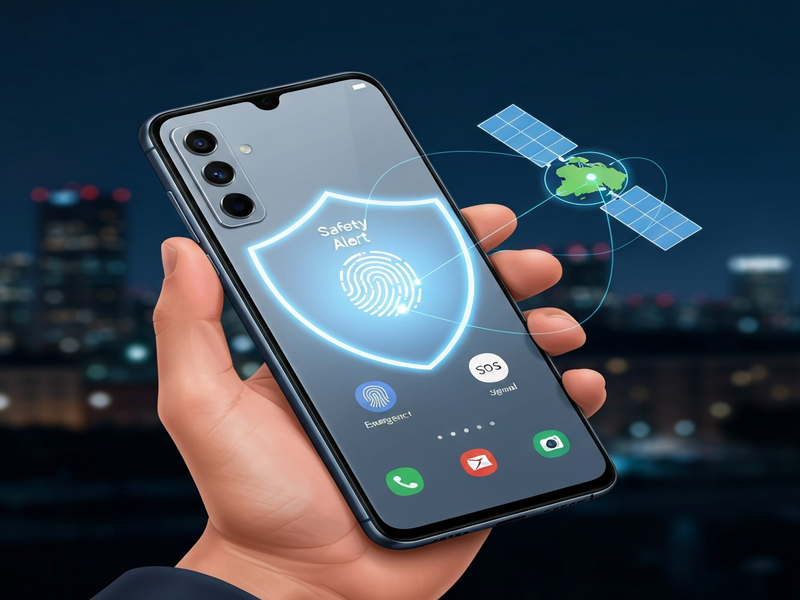
Android Police broke the news that Samsung has quietly integrated one of Pixel’s most advanced safety technologies into its flagship Galaxy S26. The original report can be read here. This move marks a significant shift in the Android ecosystem, where cross‑brand feature sharing has traditionally been limited.
What the Samsung Galaxy S26 safety feature does
Samsung’s implementation mirrors Pixel’s “Safety & Emergency” suite, which includes:
- Crash detection: Uses the accelerometer, gyroscope, and AI models to identify car accidents within seconds.
- Fall detection: Recognizes sudden drops and prompts the user to call emergency services.
- Live location sharing: Sends an encrypted, temporary location link to pre‑selected contacts.
- Privacy‑first design: All processing happens on‑device; no raw sensor data leaves the phone.
The feature is activated via the Settings → Safety & emergency menu, where users can customize emergency contacts, enable automatic alerts, and review a log of past incidents.
Pixel vs. Samsung: A side‑by‑side comparison
| Feature | Google Pixel | Samsung Galaxy S26 |
|---|---|---|
| On‑device AI processing | Yes | Yes (identical model) |
| Automatic emergency call | Enabled after 15 seconds of no response | Same behavior, with Samsung UI tweaks |
| Customizable contacts | Up to 5 contacts | Up to 10 contacts (Samsung adds “Family Group”) |
| Battery impact | Negligible (<1 % per day) | Optimized for Exynos/Qualcomm chips, similar draw |
While the core AI engine is identical, Samsung has layered its own UI polish and expanded the contact list, making the feature feel native to the One UI ecosystem.
Why this matters for users and the mobile‑security industry
The integration signals three major trends:
- Convergence of safety standards: As Samsung adopts Pixel’s safety stack, users can expect a baseline of emergency protection across Android flagship devices.
- Increased on‑device AI adoption: Both companies are proving that privacy‑centric AI can run efficiently without cloud dependence, a model that will likely spread to other features such as on‑device translation and fraud detection.
- Competitive pressure on OEMs: Brands that lag behind in safety will face consumer scrutiny, especially in markets with strict regulations (e.g., EU’s Digital Services Act).
For privacy‑focused consumers, the fact that all sensor data stays on the phone is a decisive advantage. For developers, the open UBOS platform overview now includes modules that can tap into these safety APIs, enabling custom emergency workflows without writing low‑level code.
Industry reaction
Android Police noted that “Samsung’s decision to borrow Pixel’s safety engine is a bold acknowledgment that safety is no longer a differentiator but a necessity for every premium Android phone.”
The outlet also highlighted that Samsung’s “Family Group” addition could set a new standard for multi‑user emergency alerts, especially in regions where extended families share a single device.
Leveraging the safety engine for business use cases
Enterprises can now build safety‑aware workflows directly on the Enterprise AI platform by UBOS. For example:
- Integrate crash detection with fleet‑management dashboards to trigger automatic incident reports.
- Use the Workflow automation studio to route emergency alerts to Slack or Microsoft Teams channels.
- Combine the safety API with the Chroma DB integration for fast, vector‑based search of incident logs.
Startups can prototype these ideas quickly using the UBOS for startups program, which offers free credits for the first 90 days.
Small‑to‑medium businesses (SMBs) can adopt pre‑built templates like the UBOS templates for quick start, customizing them with the safety engine to create employee‑wellness apps.
What you can do next
If you own a Galaxy S26, enable the safety feature today via Settings → Safety & emergency. For developers eager to experiment, explore the Web app editor on UBOS to build a custom alert dashboard in minutes.
Want to see how AI can boost your marketing? Check out our AI marketing agents that automatically generate campaign copy based on real‑time incident data (e.g., “Stay safe on the road – our new insurance plan”).
Curious about pricing? Review the UBOS pricing plans to find a tier that fits your budget, whether you’re a solo founder or an enterprise.
For a deeper dive into conversational AI, explore the ChatGPT and Telegram integration or the OpenAI ChatGPT integration. Pair these with the ElevenLabs AI voice integration to create voice‑enabled safety alerts.
Stay ahead of the curve—secure your device, secure your data, and let AI keep you safe.
Andrii Bidochko
CTO UBOS
Andrii Bidochko is an AI entrepreneur and researcher focused on AI agents, reinforcement learning, and autonomous systems. He writes about the technologies shaping the future of machine intelligence, from frontier models and agent architectures to real-world AI applications.