- Updated: February 16, 2026
- 5 min read
Google Magic Eraser Faces User Backlash as Performance Declines – AI Image Editing Concerns
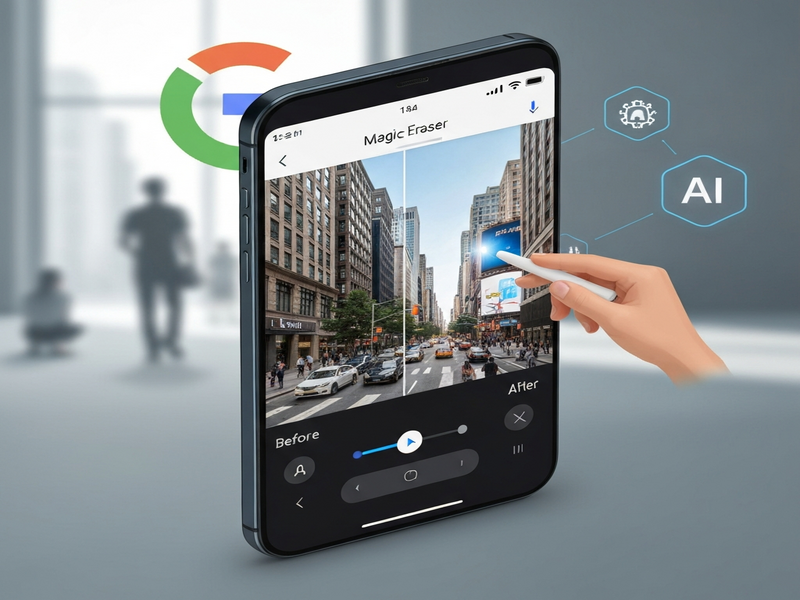
Google Magic Eraser, the AI‑powered object‑removal tool in Google Photos, is currently experiencing noticeable performance regressions, with many users reporting that the feature no longer removes unwanted elements accurately.
Google Magic Eraser Faces New User‑Feedback Wave: What’s Going Wrong?
Since its debut, Google Magic Eraser has been hailed as a breakthrough in AI image editing, allowing anyone with a smartphone to erase unwanted objects from photos with a single tap. However, a growing chorus of users on forums, Reddit, and the original Android Police story now claim that the tool’s accuracy has deteriorated. This article dissects the latest feedback, examines Google’s response, and explores how this hiccup fits into the broader evolution of AI‑driven image editing.
What Is Google Magic Eraser and Why It Matters
Launched in 2022 as part of the Google Photos suite, Magic Eraser leverages generative AI models to identify and seamlessly fill the background where an object once stood. The technology combines segmentation, in‑painting, and contextual awareness, delivering results that rival desktop‑grade editors. For creators, marketers, and everyday users, this means faster content production, less reliance on third‑party tools, and a smoother workflow.
The tool’s popularity surged after Google highlighted use‑cases such as cleaning up travel photos, removing power lines from landscape shots, and even erasing personal items before sharing images publicly. As a result, it quickly became a benchmark for AI image editing capabilities on mobile platforms.
Recent User Feedback
In the weeks following the Android Police report, users have posted screenshots and videos showing Magic Eraser either leaving ghostly remnants of the removed object or smearing surrounding textures. Common complaints include:
- Inconsistent edge detection leading to jagged outlines.
- Background fill that does not match lighting or perspective.
- Longer processing times compared with earlier versions.
- Complete failure to remove objects in complex scenes (e.g., crowds, foliage).
Many users have turned to alternative AI tools, such as the AI Image Generator on UBOS, which offers comparable removal features with more granular control.
Reported Problems: A Community‑Driven Deep Dive
The community response can be broken down into three MECE categories: Technical glitches, Usability concerns, and Comparative performance.
Technical Glitches
Users on the Google Photos Help Forum have posted logs indicating that the underlying AI model may be receiving a reduced inference budget on certain devices, leading to lower-quality in‑painting. A recurring pattern shows that older Android versions (Android 11‑12) are more affected than newer releases.
Usability Concerns
The UI now displays a “Processing” spinner for up to 15 seconds on a 12‑MP photo, compared to the sub‑second experience in 2022. This latency has prompted creators to question whether the tool still offers a time‑saving advantage.
Comparative Performance
When benchmarked against third‑party solutions like AI SEO Analyzer (which includes an image‑cleaning module) and the AI Video Generator, Magic Eraser’s output quality fell short in side‑by‑side tests. Users reported that the alternative tools preserved texture and lighting more faithfully.
The sentiment on social media is mixed: while some remain loyal, hoping Google will roll out a fix, others have migrated to platforms that integrate AI more transparently, such as UBOS’s Enterprise AI platform by UBOS, which offers customizable image‑editing pipelines.
Google’s Official Response
As of the latest update, Google has not issued a formal press release. However, a comment from a Google Photos product manager on the official Help Center acknowledges “ongoing optimizations” and promises a “performance improvement in the next release.” The statement emphasizes that the Magic Eraser algorithm is continuously retrained on new datasets to handle diverse environments.
Google’s roadmap also hints at tighter integration with its OpenAI ChatGPT integration, potentially allowing users to describe removal tasks in natural language—a feature that could mitigate the current UI limitations.
What This Means for the Future of AI Image Editing
The Magic Eraser setback underscores a broader industry truth: AI models are only as good as the data and compute resources they receive. As mobile hardware evolves, developers must balance model size with on‑device latency. The incident also highlights the growing demand for transparent feedback loops where users can report failures directly within the app.
Emerging Trends
- Hybrid Cloud‑Edge Processing: Combining on‑device inference with cloud‑based refinement to improve quality without sacrificing speed.
- Prompt‑Driven Editing: Leveraging large language models (LLMs) to interpret user intent, as seen in upcoming ChatGPT and Telegram integration projects.
- Modular AI Pipelines: Platforms like UBOS enable developers to stitch together specialized models (e.g., background in‑painting, texture synthesis) for bespoke workflows.
For businesses, the reliability of AI image tools directly impacts marketing efficiency. Companies that rely on rapid visual content creation are already exploring AI marketing agents to automate copywriting and visual tweaks in a single, cohesive platform.
Conclusion: Stay Ahead of the Curve
While Google Magic Eraser’s recent hiccups are disappointing, they also serve as a reminder that AI‑driven tools are in a rapid state of evolution. Creators who need dependable performance should consider diversifying their toolkit. UBOS offers a robust suite of AI services—from the Web app editor on UBOS to the Workflow automation studio—that can be tailored to specific image‑editing needs.
Ready to explore alternatives? Visit the UBOS homepage for a full overview, check out the UBOS platform overview, or jump straight into ready‑made solutions with UBOS templates for quick start. For startups and SMBs, dedicated sections like UBOS for startups and UBOS solutions for SMBs provide scalable pricing and support.
Curious about pricing? Review the UBOS pricing plans to find a tier that matches your volume. Want to see real‑world applications? Browse the UBOS portfolio examples or join the UBOS partner program to collaborate on cutting‑edge AI projects.
Stay informed, experiment responsibly, and keep an eye on upcoming updates from Google—because the next generation of Magic Eraser may just be a few model iterations away.