

- Updated: February 1, 2026
- 5 min read
Effective Incident Updates: Streamlining Service Interruptions with a 30‑Minute Resettable Window
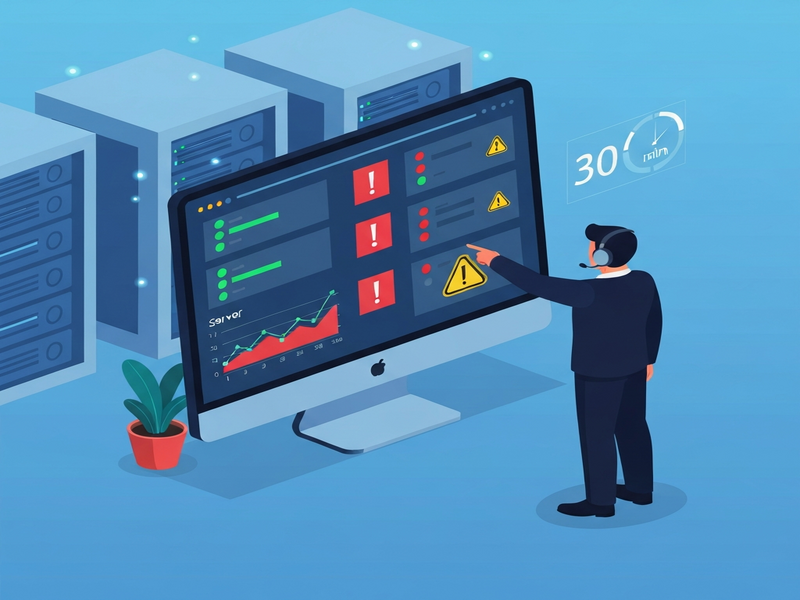
Incident updates are concise, timed communications that keep the incident commander and all stakeholders informed, typically using a 30‑minute resettable window to balance visibility with focused problem‑solving.
Why Structured Incident Updates Matter for Modern IT Teams
In today’s hyper‑connected environments, service interruptions can cascade across multiple systems within seconds. IT managers, system administrators, and DevOps engineers need a repeatable, low‑friction process that turns chaos into coordinated action. The original article on UnixDaemon highlighted the power of a disciplined “30‑minute resettable window” for incident commanders. Building on that insight, this guide explains how to institutionalize structured incident updates, embed them into your workflow automation, and leverage UBOS’s AI‑driven platform to keep uptime high and communication clear.
What the Original Article Covered
The source piece (original article) described a seasoned incident commander who used a 30‑minute, reset‑able window to manage status updates. The commander would:
- Introduce themselves to the incident and step back.
- Wait up to 30 minutes for new information before prompting the team.
- Reset the timer whenever an update arrived early.
This rhythm prevented “rabbit‑holing” while still ensuring the commander remained the single source of truth.
Building a Structured Incident‑Update Process
To turn the anecdotal practice into a repeatable workflow, break the process into three MECE (Mutually Exclusive, Collectively Exhaustive) pillars:
1️⃣ Initiation & Role Assignment
When an alert fires, the first responder assigns an incident commander. This role becomes the authoritative voice for all status updates. UBOS’s UBOS platform overview provides a built‑in role‑management module that automatically tags the commander and notifies the response team.
2️⃣ Timed Update Cadence
Implement the 30‑minute resettable window using UBOS’s Workflow automation studio. A simple automation can:
- Start a 30‑minute timer when the incident is created.
- Send a reminder to the commander if no update is logged.
- Reset the timer automatically when a new update is recorded.
This ensures the commander is nudged only when necessary, preserving focus while maintaining transparency.
3️⃣ Consolidation & Closure
After the incident resolves, the commander compiles a post‑mortem summary. UBOS’s UBOS portfolio examples showcase templates for incident retrospectives that capture root‑cause analysis, timeline, and action items—all searchable for future reference.
Key Benefits of a Timed Update Framework
Adopting a disciplined update cadence delivers measurable advantages:
- Predictable communication: Stakeholders know when to expect the next status, reducing anxiety.
- Reduced noise: Teams avoid constant pings, allowing engineers to focus on remediation.
- Improved data quality: Structured logs feed directly into analytics dashboards for Enterprise AI platform by UBOS, enabling automated trend detection.
- Faster resolution: Timely nudges keep the incident commander aware of stalls, prompting quicker escalation when needed.
Practical Tips to Implement an Effective Incident Communication Process
Below are actionable steps you can roll out this week:
🔧 Configure Your Alerting Stack
Integrate your monitoring tools (e.g., system monitoring) with UBOS so that every alert automatically creates an incident ticket with a designated commander.
🗂 Use Ready‑Made Templates
Start with a pre‑built incident template from the UBOS templates for quick start. The “AI Incident Management” style template (adapted from the AI Incident Management template—if available) includes fields for:
- Impact assessment
- Current status
- Next update ETA
- Action items
⏱ Automate the 30‑Minute Timer
In the Workflow automation studio, create a “Resettable Timer” workflow:
Trigger: Incident Created
Action: Start 30‑minute timer
Condition: New Update Received → Reset Timer
Action: If timer expires → Send reminder to Commander
📣 Communicate the Process Internally
Publish a one‑page cheat sheet (use Web app editor on UBOS) and run a short onboarding session. Emphasize that the commander is the single source of truth and that the 30‑minute cadence is a “soft deadline” to keep momentum.
🔍 Leverage AI for Summaries
After each incident, feed the log into UBOS’s AI SEO Analyzer (or any LLM integration) to auto‑generate a concise executive summary. This reduces manual effort and ensures consistency.
“A disciplined update cadence turns a chaotic fire‑fight into a coordinated response, and the 30‑minute window is the sweet spot between silence and overload.” – Incident Management Expert
Visualizing the 30‑Minute Update Loop
The illustration above captures the end‑to‑end flow: alert → incident creation → commander assignment → timer start → update → timer reset → repeat until resolution.
By embedding this diagram in your incident dashboard, every team member instantly sees where they are in the cycle.
Further Reading & Tools on UBOS
Explore these UBOS solutions to deepen your incident‑response capabilities:
- Incident Management Suite – Centralized ticketing with AI‑enhanced triage.
- AI Chatbot template – Deploy a bot that can field status queries from non‑technical stakeholders.
- AI Article Copywriter – Automatically generate post‑mortem reports.
- GPT‑Powered Telegram Bot – Push real‑time updates to a dedicated Telegram channel.
- AI Email Marketing – Notify external customers with personalized incident status emails.
Take the Next Step Toward Zero‑Downtime Operations
Implementing a structured, 30‑minute resettable update window transforms how your organization handles service interruptions. By pairing this proven cadence with UBOS’s automation, AI‑driven insights, and ready‑made templates, you’ll reduce mean time to resolution (MTTR), boost stakeholder confidence, and lay the groundwork for a resilient, data‑rich incident culture.
Ready to modernize your incident response? Visit the UBOS homepage to start a free trial, explore the UBOS pricing plans, and join the UBOS partner program for dedicated support.
Empower your team with predictable updates—because every minute counts when services are down.