

- Updated: January 23, 2026
- 6 min read
Consent-O-Matic: Open‑Source Browser Extension Simplifies Cookie Consent Management
Consent-O-Matic is an open‑source privacy extension that automatically fills out cookie consent banners according to your preset preferences, turning repetitive clicks into a single background action and keeping your browsing experience GDPR‑compliant.
What Is Consent-O-Matic?
In today’s web ecosystem, almost every site displays a cookie consent pop‑up to satisfy GDPR, ePrivacy, and other privacy regulations. While the intention is to give users control, the reality is a cascade of repetitive dialogs that interrupt reading, shopping, or research. Consent-O-Matic solves this friction by detecting known consent management platforms (CMPs) and automatically applying the choices you defined during the first setup.
Developed by the Centre for Advanced Visualization and Interaction (CAVI) at Aarhus University, the tool is fully open source, community‑driven, and continuously updated to keep pace with the ever‑changing landscape of consent banners.
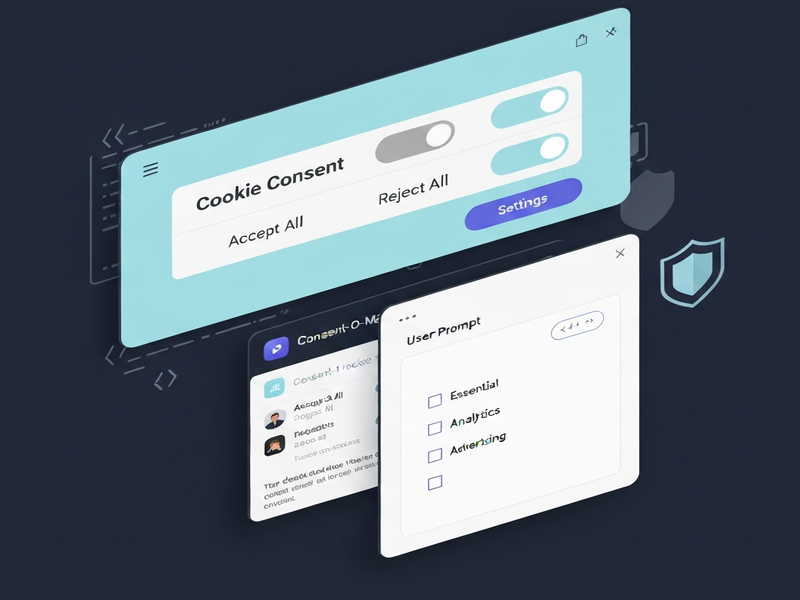
Core Features & Benefits
- Rule‑based schema: A JSON‑driven rule set identifies more than 200 CMPs, from major players like OneTrust and CookieBot to niche site‑specific banners.
- Customizable actions: Choose from
click,slide,hide, orsave consentactions to match each banner’s UI. - Matcher engine: Detects whether a banner is present (presentMatcher) and whether it is currently visible (showingMatcher), preventing unnecessary clicks on already‑accepted dialogs.
- Privacy‑first design: The extension never tracks your browsing; it only reads page content locally to apply rules.
- Open‑source contributions: Anyone can add new rules, improve existing ones, or report broken detections via a simple “Let us know!” button.
These capabilities translate into tangible benefits for both privacy‑conscious internet users and web developers who need a reliable consent management solution without writing custom scripts for each site.
How Consent-O-Matic Works Inside Your Browser
1. Detection Phase
When a page loads, the extension scans the DOM for patterns defined in its rule schema. Each rule contains detectors that consist of presentMatcher and showingMatcher. If both match, the rule is considered active.
2. Action Phase
Once a rule is triggered, the extension executes a sequence of methods (e.g., OPEN_OPTIONS, DO_CONSENT, SAVE_CONSENT). These methods are built from reusable actions such as click, slide, or hide. The order is deterministic, ensuring consistent outcomes across browsers.
3. State Persistence
Your preferences (which categories you accept or reject) are stored locally in the browser’s storage. The next time you visit a site that uses a supported CMP, the extension instantly applies the saved consent without showing the banner again.
“Consent‑O‑Matic turns a 5‑second annoyance into a background process that never interrupts the user.” – About UBOS
Installation & Setup Guide
Step‑by‑step for Chrome, Firefox, Edge, and Safari:
- Visit the official store: Search for “Consent‑O‑Matic” in the Chrome Web Store or Firefox Add‑ons site and click “Add to Browser”. This ensures automatic updates.
- Initial configuration: After installation, click the extension icon. A quick wizard asks you to select which consent categories (e.g., Functional, Analytics, Advertising) you want to allow or block.
- Fine‑tune rules: If a site’s banner is not handled correctly, open the extension popup, choose “Report a problem”, and provide the URL. The report is sent to CAVI’s server for analysis.
- Manual rule import (optional): Power users can import custom rule lists via the “Rule lists” tab. Simply paste the URL of a JSON rule file and the extension will merge it with the default set.
- Testing: Visit a site with a known consent banner (e.g., UBOS templates for quick start) to verify that the extension automatically applies your preferences.
For developers who want to build from source, the repository provides npm scripts for Chromium, Firefox, and Safari builds. Detailed instructions are available in the Consent-O-Matic GitHub repository.
Community, Contributions, and Open‑Source Nature
Since its launch, Consent‑O‑Matic has attracted over 3,700 stars on GitHub and a vibrant community of privacy advocates, developers, and researchers. Contributions are welcomed in several forms:
- Rule submissions: Add support for new CMPs by submitting a JSON rule via a pull request.
- Bug reports: Use the built‑in “Let us know!” button to flag broken detections; the report is anonymized and sent to the CAVI server.
- Documentation improvements: Clearer READMEs and usage guides help newcomers adopt the tool faster.
- Academic research: The project is frequently cited in privacy‑focused studies, reinforcing its credibility.
Because the codebase is open, organizations can audit it for security, fork it for internal use, or integrate it with other privacy stacks—such as the Telegram integration on UBOS for real‑time alerts.
Why Consent‑O‑Matic Matters for SEO & Compliance
Search engines increasingly penalize sites that rely on intrusive consent banners that degrade user experience. By automating consent handling, users can stay on pages longer, reducing bounce rates and improving dwell time—key signals for SEO.
Moreover, the extension helps businesses demonstrate GDPR compliance without sacrificing usability. When users see fewer interruptions, they are more likely to trust the brand, which indirectly boosts conversion metrics.
Related UBOS Resources
Explore how UBOS can complement your privacy strategy and accelerate AI‑driven workflows:
- UBOS homepage – Overview of the AI platform.
- UBOS platform overview – Core capabilities for developers.
- AI marketing agents – Automate campaigns with AI.
- UBOS partner program – Join a network of AI innovators.
- UBOS for startups – Fast‑track your MVP.
- UBOS solutions for SMBs – Scalable tools for growing businesses.
- Enterprise AI platform by UBOS – Enterprise‑grade security and compliance.
- Web app editor on UBOS – Build no‑code AI apps.
- Workflow automation studio – Orchestrate multi‑step processes.
- UBOS pricing plans – Transparent pricing for every team.
- UBOS portfolio examples – Real‑world AI deployments.
- UBOS templates for quick start – Jump‑start your AI project.
- AI SEO Analyzer – Boost your site’s visibility.
- AI Article Copywriter – Generate high‑quality content.
- AI Chatbot template – Deploy conversational agents instantly.
- GPT-Powered Telegram Bot – Combine consent automation with messaging.
Take Control of Your Online Privacy Today
Consent‑O‑Matic delivers a seamless, open‑source solution for cookie consent automation, empowering users to browse without interruptions while staying GDPR‑compliant. Its rule‑driven architecture, community‑backed updates, and zero‑tracking design make it a trustworthy privacy extension for anyone who values both convenience and data protection.
Ready to eliminate cookie pop‑ups forever? Install the extension from your browser’s store, configure your consent preferences, and let Consent‑O‑Matic handle the rest. For developers, dive into the source code, contribute new rules, or integrate it with your own AI workflows on the UBOS platform.