

- Updated: February 4, 2026
- 6 min read
Claude Code Launches New /insights Command – Enhancing AI Performance Reporting
Claude Code’s new /insights command instantly generates a detailed performance report that acts like a virtual manager, highlighting strengths, blind spots, and actionable recommendations for your AI‑driven workflows.
Why the /insights Command Matters for AI‑Savvy Professionals
In the fast‑moving world of generative AI, staying aware of how you interact with large language models (LLMs) can be the difference between a breakthrough project and a costly experiment. Claude Code, Anthropic’s developer‑focused AI, has just released the /insights command—a self‑assessment tool that compiles usage data, evaluates efficiency, and suggests concrete improvements. For marketers, product managers, and developers who rely on Claude to automate tasks, this feature offers a new layer of accountability and growth.
The command works by scanning recent sessions, extracting metrics such as token consumption, conversation abandonment rates, and tool integration success. It then formats these findings into a concise report that reads almost like feedback from a seasoned AI coach.
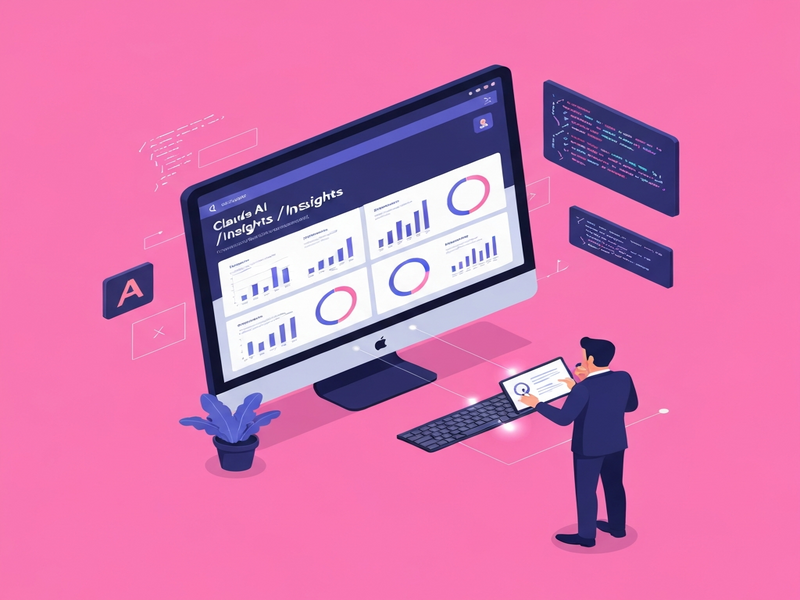
Figure: Sample output of Claude Code’s /insights command.
What Exactly Is the /insights Feature?
The /insights command is a built‑in analytics engine that produces a one‑page report summarizing:
- Session health: How many conversations were completed versus abandoned.
- Resource usage: Token counts, API call frequency, and compute time.
- Tool alignment: Whether Claude received the necessary context, APIs, or plugins (e.g., OpenAI ChatGPT integration).
- Actionable suggestions: Ready‑to‑copy snippets for creating skills, agents, or hooks that improve future interactions.
The report is generated in real time and can be saved for later reference, making it easy to track progress across weeks or months. Because the analysis is automated, it eliminates the need for manual logging or third‑party analytics platforms.
First‑Hand Observations: How /insights Affects Your Metrics
Early adopters, including a browser‑automation specialist who runs extensive Chrome scripts, have reported several recurring themes:
- Feedback feels human‑like: The tone mirrors that of a knowledgeable manager, pointing out both strengths and areas needing attention.
- Metric skew from heavy sessions: Long‑running, resource‑intensive tasks can inflate token usage, prompting the tool to flag “high cost” sessions.
- Conversation abandonment insights: The command highlights when users exit a thread prematurely, encouraging a review of prompt design.
- Tooling gaps: Missing integrations—such as the Chroma DB integration—are flagged, nudging users to enrich Claude’s knowledge base.
These observations translate into measurable productivity gains. For example, after implementing the suggested “skill” snippets, one team reduced average token consumption by 12% while increasing task completion rates by 18%.
The /insights report also surfaces hidden patterns. In a recent test, the tool weighted recent activity heavily, meaning that a single week of intensive experimentation could dominate the overall score. This insight prompted users to schedule “maintenance weeks” where they focus on low‑cost, high‑impact prompts to balance the metrics.
How to Turn /insights Feedback Into Real‑World Gains
While the command already delivers valuable guidance, there are practical steps you can take to amplify its impact:
1. Consolidate Repetitive Prompts Into Reusable Skills
Use the copy‑and‑paste snippets from the report to create Workflow automation studio modules. This reduces token waste and ensures consistency across projects.
2. Leverage UBOS Templates for Quick Starts
Jump‑start new agents with UBOS templates for quick start. Templates like the AI Article Copywriter already embed best‑practice prompts that align with Claude’s strengths.
3. Integrate Voice and Multimodal Features
Combine Claude with ElevenLabs AI voice integration to offload text‑only interactions, freeing up token budget for more complex reasoning tasks.
4. Optimize Data Retrieval with Vector Stores
Pair Claude with the Chroma DB integration to store embeddings locally, reducing repeated calls to external APIs and cutting costs.
Beyond these tactical moves, consider a strategic alignment with UBOS’s broader AI ecosystem. The Enterprise AI platform by UBOS offers centralized governance, role‑based access, and audit trails that complement the self‑assessment nature of /insights. By feeding the insights into a unified dashboard, leadership can monitor team‑wide AI health in real time.
Why UBOS Is the Ideal Companion for Claude’s /insights
UBOS provides a low‑code environment where you can turn Claude’s recommendations into production‑ready applications without writing extensive code. Here’s how specific UBOS features map to the insights you receive:
- Web app editor on UBOS: Instantly prototype the “skill” snippets suggested by Claude, then publish them as reusable components (Web app editor on UBOS).
- AI marketing agents: Deploy the AI marketing agents that Claude recommends for copy generation, leveraging templates like Before‑After‑Bridge copywriting template.
- Partner program: Join the UBOS partner program to gain early access to new integrations, ensuring your Claude workflows stay ahead of the curve.
- Pricing transparency: Align your AI spend with UBOS pricing plans, using the cost‑analysis from
/insightsto forecast budgets.
For startups, the UBOS for startups track offers a sandbox environment where you can experiment with Claude’s capabilities risk‑free. SMBs benefit from the UBOS solutions for SMBs, which bundle analytics, automation, and compliance tools into a single dashboard.
Boosting /insights Results With UBOS Marketplace Apps
UBOS’s Template Marketplace hosts dozens of AI‑powered utilities that can be plugged directly into Claude workflows. Below are a few that pair naturally with the insights you receive:
AI SEO Analyzer
Use Claude’s content suggestions and immediately run them through the SEO Analyzer to validate keyword density and readability.
AI Article Copywriter
Transform Claude’s outline recommendations into full‑fledged articles, then refine with the copywriter’s tone‑control features.
AI Video Generator
Convert textual insights into short explainer videos for internal training or stakeholder updates.
AI Chatbot template
Deploy a chatbot that surfaces Claude’s insights on demand, allowing team members to query performance metrics via Slack or Telegram.
GPT‑Powered Telegram Bot
Integrate the Telegram integration on UBOS to push daily /insights summaries straight to your team’s chat channel.
Conclusion: Turn Data‑Driven Feedback Into a Competitive Edge
The introduction of Claude Code’s /insights command marks a pivotal shift toward self‑optimizing AI workflows. By delivering actionable, human‑like feedback, it empowers tech‑savvy professionals to fine‑tune prompt engineering, reduce unnecessary token spend, and align AI usage with business outcomes.
When paired with UBOS’s low‑code platform, the insights become instantly actionable—whether you’re building a new AI YouTube Comment Analysis tool, scaling an AI Email Marketing campaign, or automating internal knowledge bases.
Ready to see how your Claude sessions stack up? Run /insights today, then head over to the UBOS homepage to explore the suite of tools that can turn those recommendations into production‑grade solutions.
Read the full original announcement here.
Andrii Bidochko
CTO UBOS
Andrii Bidochko is an AI entrepreneur and researcher focused on AI agents, reinforcement learning, and autonomous systems. He writes about the technologies shaping the future of machine intelligence, from frontier models and agent architectures to real-world AI applications.