

- Updated: March 18, 2026
- 2 min read
tmux-ide 1.2.0: New Features and Setup Guide
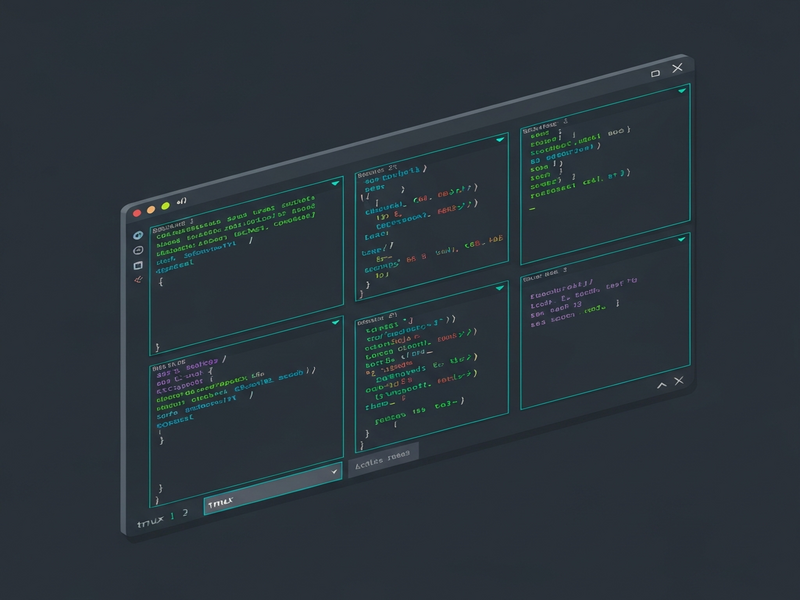
tmux-ideNew 1.2.0Prepare Claude agent-team layoutsin one terminal.Build a lead pane, teammate-ready Claude panes, and your dev tools in one tmux layout. tmux-ide enables the right environment; Claude forms the team after you prompt it.Set Up Agent TeamsGet StartedDocs$curl -fsSL https://tmux.thijsverreck.com/install.sh | shor npm i -g tmux-ideor try instantly with npx tmux-ideThe install script also registers the Claude Code skill — so Claude can configure your workspace automatically.Team-ready panes, then Claude takes overtmux-ide prepares the panes and enables agent-team mode. From there, prompt the lead to organize the team and assign work in natural language.MY-APP IDEMY-APP IDEteam: my-appRead the Agent Teams guide →Config in, layout outEdit the YAML and watch the layout update live. Try a preset to get started.DefaultNext.jsConvexVitePythonGoAgent Teamide.ymlname: my-project rows: – size: 70% panes: – title: Claude 1 command: claude – title: Claude 2 command: claude – panes: – title: Dev Server – title: Shelltmux sessionClaude 1$ claudeClaude 2$ claudeDev ServerShell[0] my-project12:00Lead + teammatesOne Claude coordinates the team. Teammates work independently in their own panes, each with a focused task.Shared task listAgents communicate through shared tasks and messages. The lead assigns, teammates claim and report back.Self-organizingOnce the layout is running, the lead can recruit teammates, reassign work, and reshape the workflow through normal Claude prompting.Declarative YAMLDefine your team layout in ide.yml — roles, tasks, pane sizes. Reproducible across machines and projects.Any stackAuto-detects Next.js, Vite, Python, Go, and more. Dev servers run alongside your agent team.One commandtmux-ide handles tmux sessions, pane splitting, and the experimental env flag.You launch the layout, then tell Claude how to organize the team.Claude Code skill built inThe install script registers a Claude Code skill automatically. Ask Claude to set up your workspace and it handles detection, layout, and config.Quick start$ cd ~/Developer/my-project$ tmux-ide init –template agent-team→ Created ide.yml with agent team layout.$ tmux-ide→ Launching IDE session with lead and teammate-ready panes.$ tmux-ide restart→ Restarted with updated layout.
Read the original article here.
Explore related topics on ubos.tech:
Andrii Bidochko
CTO UBOS
Andrii Bidochko is an AI entrepreneur and researcher focused on AI agents, reinforcement learning, and autonomous systems. He writes about the technologies shaping the future of machine intelligence, from frontier models and agent architectures to real-world AI applications.