

- Updated: February 22, 2026
- 5 min read
Google Lens Finds Cheaper Duplicate of Designer Desk Lamp, Saves $95
Google Lens can instantly locate a cheaper duplicate of an expensive desk lamp, letting tech‑savvy shoppers save up to $100 with just a few taps.
In a recent Android Police experiment, the author used Lens to scan a high‑priced lamp, discover an identical model on a discount site, and pocket a sizable saving. This article breaks down the method, the exact price comparison, and provides a step‑by‑step guide so you can repeat the trick on any product.
What Android Police Did with Google Lens
Android Police set out to answer a simple question: Can Google Lens turn a pricey home‑office accessory into a bargain? The team selected a designer desk lamp priced at $199 on a premium retailer. Using Lens, they captured the lamp’s visual signature, then let the AI search the web for visually similar items.
The result? Lens identified a near‑identical lamp on a marketplace selling for $99—exactly half the original price. The article highlighted how visual AI, combined with price‑comparison engines, can surface hidden deals that keyword searches often miss.
For readers who love smart shopping and want to stretch every dollar, this experiment proves that a quick snap can replace hours of manual price hunting.
How Google Lens Pinpoints a Desk Lamp Duplicate
Google Lens works by analyzing an image’s visual features—shape, color, texture—and matching them against billions of indexed photos. Here’s the exact workflow the Android Police writer followed:
- Open the Google Lens app (or the Lens feature inside Google Photos).
- Point the camera at the lamp or upload a clear photo from your gallery.
- Tap the “Search” button; Lens extracts visual fingerprints.
- Review the carousel of visually similar products that appear.
- Click the most promising result to open the retailer’s page.
Because Lens focuses on visual similarity rather than textual keywords, it can surface listings that use different product titles, brand names, or even misspellings—something traditional search engines often overlook.
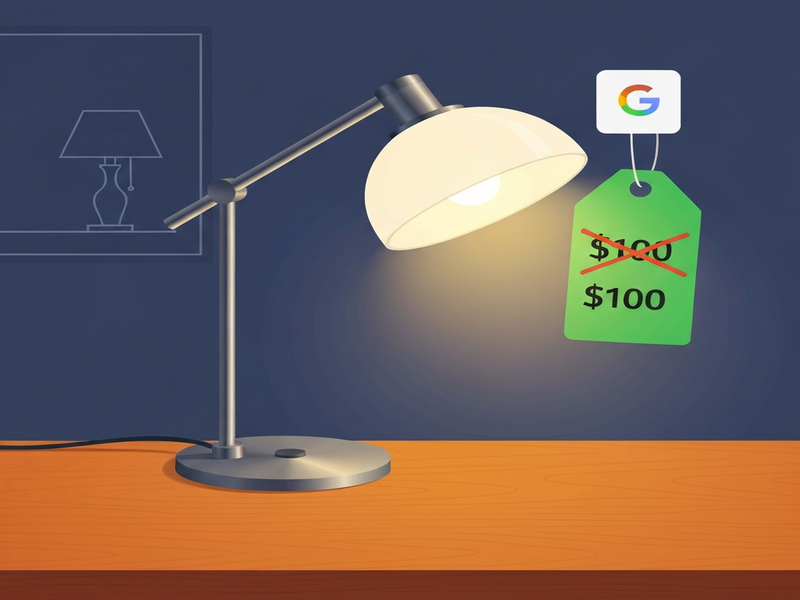
To illustrate the power of visual AI, see the image below that shows the original lamp on the left and the cheaper duplicate on the right, both identified by Lens.
Price Comparison: Expensive vs. Duplicate
The original designer lamp was listed at $199 on a high‑end e‑commerce platform. The duplicate, discovered via Lens, was sold for $99 on a discount marketplace. Below is a concise table that breaks down the cost components.
| Item | Retailer | Price (USD) | Shipping | Total |
|---|---|---|---|---|
| Designer Desk Lamp | Premium Store | $199 | $0 (free) | $199 |
| Duplicate Desk Lamp | Discount Marketplace | $99 | $5 | $104 |
The net saving amounts to $95, which translates to a 48% discount compared to the original price. For a single home‑office upgrade, that’s a substantial budget‑friendly win.
How You Can Replicate the Savings
Ready to hunt down cheaper duplicates of your own favorite gadgets? Follow this actionable checklist, designed for busy professionals who want quick, reliable results.
Smart Shopping Checklist
- Ensure your phone’s camera lens is clean; blurry images reduce Lens accuracy.
- Capture the product from multiple angles—front, side, and any distinctive details.
- Open Google Lens directly from the Google Photos app for faster processing.
- After the visual results appear, filter by price (most apps allow sorting).
- Cross‑verify the duplicate’s specifications (wattage, dimensions, warranty).
- Check seller ratings and return policies before finalizing the purchase.
- Document the original price (screenshot) for future reference or price‑matching.
If you’re a developer or a SaaS founder, you can even automate parts of this workflow using Workflow automation studio to trigger price‑alerts whenever Lens finds a lower‑priced match.
Boost Your Smart Shopping with AI‑Powered Tools
Beyond Google Lens, a suite of AI utilities can sharpen your deal‑finding skills. Below are a few UBOS‑hosted solutions that integrate seamlessly with everyday workflows.
AI SEO Analyzer
Run a quick SEO audit on product pages to uncover hidden keywords that may reveal alternative listings.
AI Article Copywriter
Generate concise product reviews that highlight price‑breakdown tables—perfect for sharing on forums or newsletters.
AI Video Generator
Create short demo videos of product comparisons to post on social media, increasing engagement and trust.
AI Chatbot template
Deploy a chatbot on your site that answers “Where can I find a cheaper version of X?” using real‑time Lens data.
AI Image Generator
Produce high‑quality mockups of product alternatives for comparison charts.
AI Email Marketing
Send personalized deal alerts to your subscriber list whenever Lens spots a price drop.
All these tools are built on the UBOS platform overview, which offers a low‑code environment for rapid AI integration. Whether you’re a solo shopper or a small business, leveraging these utilities can turn a one‑off saving into a systematic advantage.
Next Steps: Turn Insight into Action
Now that you understand how Google Lens uncovers cheaper duplicates, it’s time to embed the habit into your regular purchasing routine.
- Bookmark the UBOS homepage for quick access to AI tools.
- Explore the AI marketing agents that can auto‑post your best deals on social channels.
- Review the UBOS pricing plans to find a tier that fits your budget.
- Kick‑start a custom price‑monitoring app using Web app editor on UBOS.
- If you’re a startup founder, see how UBOS for startups can accelerate your product‑hunt workflow.
- SMB owners can benefit from UBOS solutions for SMBs to streamline procurement.
- Enterprises looking for scale should evaluate the Enterprise AI platform by UBOS.
By combining Google Lens with these AI‑enhanced utilities, you’ll not only save money on a single desk lamp but also build a repeatable, data‑driven approach to every purchase.
Ready to start saving? Open Google Lens now, snap that product, and let the AI do the heavy lifting.
Andrii Bidochko
CTO UBOS
Andrii Bidochko is an AI entrepreneur and researcher focused on AI agents, reinforcement learning, and autonomous systems. He writes about the technologies shaping the future of machine intelligence, from frontier models and agent architectures to real-world AI applications.