

- Updated: February 20, 2026
- 6 min read
Android 16 Live Caption: Real‑Time Subtitles Now Available on Android 16
Android 16’s Live Caption automatically generates real‑time subtitles for any video or audio playing on the device, providing instant accessibility without needing an internet connection.
Android 16 Live Caption: Real‑Time Subtitles Built‑In for Everyone
What Is Android 16 Live Caption?
Live Caption debuted on Android 10 as a beta feature and has now become a core component of Android 16. The technology leverages on‑device speech‑to‑text models to transcribe spoken words from any media source—videos, podcasts, voice messages, and even calls—into readable captions. Because the processing stays on the phone, privacy is preserved and the feature works offline, making it ideal for travelers, commuters, and anyone in low‑bandwidth environments.
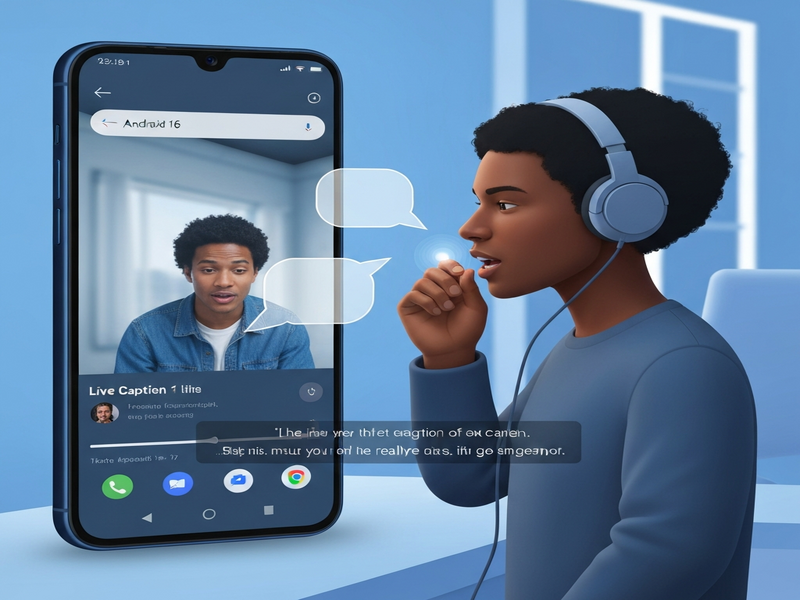
Beyond accessibility, Live Caption serves as a productivity booster. Users can quickly skim through a video’s content, search for keywords, or capture important spoken information without pausing playback. The feature is now integrated into the system UI, meaning it can be toggled from the quick‑settings panel and works across all apps that output audio.
Key Benefits and Real‑World Use Cases
- Universal Accessibility: Deaf and hard‑of‑hearing users receive instant subtitles for any media, eliminating the need for separate caption files.
- Multilingual Environments: Travelers can understand foreign‑language videos when paired with translation apps, turning Live Caption into a bridge for language barriers.
- Quiet‑Mode Productivity: In libraries or open‑plan offices, users can watch tutorials or news without sound, relying on captions to stay informed.
- Content Creation Support: Creators can capture spoken ideas on the fly, using captions as a rough transcript for later editing.
- Legal & Compliance: Enterprises can meet accessibility regulations for internal training videos without extra production steps.
For developers, Live Caption opens new integration possibilities. Pair it with OpenAI ChatGPT integration to automatically summarize captions, or combine it with Chroma DB integration for searchable transcript storage.
Android 16 Live Caption vs. Earlier Versions
| Feature | Android 10 (Beta) | Android 12 | Android 16 (Current) |
|---|---|---|---|
| Offline Processing | Limited (requires Google Play Services) | Improved, but occasional latency | Fully on‑device, zero‑latency |
| Supported Media Types | Video only | Video + Podcasts | All audio sources, including calls and voice messages |
| Language Coverage | English only | English + 2 additional languages | 10+ languages with auto‑detect |
| Customization | Font size only | Font size + color | Font, color, background, and positioning |
The evolution shows a clear trajectory toward universal, privacy‑first accessibility. Android 16’s enhancements make Live Caption a default expectation rather than an optional add‑on.
How to Enable and Use Live Caption on Android 16
- Open Quick Settings: Swipe down twice from the top of the screen.
- Tap the Live Caption icon: If you don’t see it, edit the quick‑settings tiles and add “Live Caption”.
- Select your preferred language: Android 16 auto‑detects language, but you can manually choose from Settings → Accessibility → Live Caption.
- Adjust appearance: Use Settings → Accessibility → Live Caption → Caption style to change font size, color, and background.
- Start any media: Play a video, podcast, or even a voice note. Captions appear instantly at the bottom of the screen.
- Save transcripts (optional): Long‑press the caption bar and select “Save transcript”. The file can be exported to Google Drive or processed with ElevenLabs AI voice integration for audio‑to‑text analysis.
Power users can automate caption handling with the Workflow automation studio. For example, a workflow can trigger whenever a transcript is saved, automatically uploading it to a Chroma DB collection for future keyword search.
What Android Police Says
According to Android Police’s coverage of Live Caption in Android 16, the feature now works across “any audio source, even phone calls,” marking a “significant leap for on‑device accessibility.” The article highlights the low‑latency performance and the expanded language support, confirming that Google’s focus is on making the feature universally available.
How UBOS Leverages Live Caption for Smarter Apps
Developers building on the UBOS platform overview can embed Live Caption data directly into their AI‑driven workflows. Below are a few practical examples:
- Use the AI SEO Analyzer to scan saved transcripts for keyword density, helping content teams optimize video SEO on the fly.
- Combine AI Article Copywriter with Live Caption transcripts to auto‑generate blog posts from webinars or podcasts.
- Integrate AI YouTube Comment Analysis tool with caption data to correlate spoken topics with audience sentiment.
- Deploy AI Chatbot template that can answer user questions based on the most recent captioned content, creating a dynamic knowledge base.
For startups, the UBOS for startups program offers a pre‑configured environment where Live Caption transcripts are automatically indexed in a searchable vector store, accelerating product‑market fit for audio‑centric services.
SMBs can benefit from the UBOS solutions for SMBs, which include ready‑made templates like the AI Survey Generator that can ingest caption data to create post‑event surveys.
Enterprises looking for a robust, secure environment can explore the Enterprise AI platform by UBOS, where Live Caption streams can be routed through compliance‑checked pipelines and stored in encrypted vaults.
Ready to Build with Live Caption?
Start a project today using the Web app editor on UBOS and explore the UBOS templates for quick start. Whether you need a simple caption‑to‑text pipeline or a full‑scale AI‑enhanced media platform, UBOS provides the tools you need.
Conclusion: Live Caption Sets a New Accessibility Standard
Android 16’s Live Caption is more than a convenience—it’s a privacy‑first, offline‑first accessibility engine that democratizes media consumption. By supporting every audio source, expanding language coverage, and offering deep customization, Google has turned a once‑niche feature into a universal expectation.
For developers and businesses, the real opportunity lies in integrating Live Caption data with AI services. UBOS’s ecosystem—spanning the AI Video Generator, AI Audio Transcription and Analysis, and the AI LinkedIn Post Optimization—makes it effortless to turn raw captions into actionable insights, searchable knowledge bases, and new revenue streams.
Whether you’re a tech‑savvy Android user, an accessibility advocate, or a product leader building the next generation of AI‑enhanced apps, Android 16 Live Caption is a feature you’ll want to explore and leverage today.