

- Updated: January 18, 2026
- 5 min read
Samsung One UI 8.5 Introduces Customizable Lock‑Screen Animations
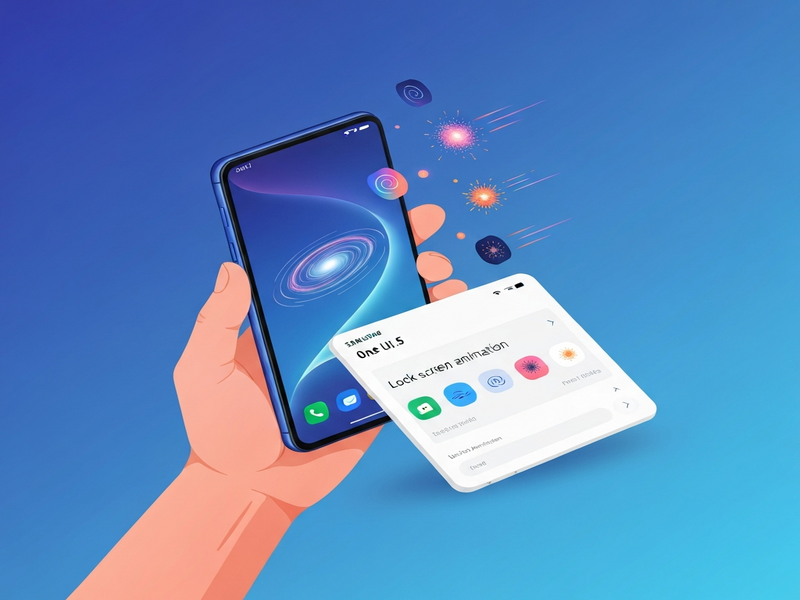
One UI 8.5 introduces a brand‑new lock‑screen animation customization that lets Samsung users personalize the visual transition when unlocking their device, offering a fresh layer of expression and control over the Android UI.
What Is the One UI 8.5 Lock‑Screen Animation Customization?
Samsung’s One UI 8.5, rolled out in early 2026, adds a lock‑screen animation panel inside Settings > Wallpaper & style > Lock screen style. Users can now choose from a curated set of motion effects—ripple, fade, slide, and a new “pulse” animation—or upload a short GIF/Lottie file to create a truly unique unlock experience. This feature is part of the broader Samsung customization push that aims to differentiate Android devices through visual flair and deeper personalization.
Key Elements of the Feature
- Four built‑in animation styles plus a custom upload option.
- Real‑time preview directly in the Settings screen.
- Battery‑aware rendering to keep power consumption low.
- Seamless integration with existing lock‑screen widgets and notifications.
How to Enable and Configure the New Animation
Activating the lock‑screen animation is straightforward. Follow these steps:
- Open Settings on your Samsung device.
- Navigate to Wallpaper & style → Lock screen style.
- Tap Animation at the bottom of the screen.
- Select a preset (Ripple, Fade, Slide, Pulse) or choose Custom to upload your own file.
- Adjust the Speed slider to fine‑tune the effect.
- Press Apply and lock your phone to see the animation in action.
The UI provides a live preview that updates instantly as you adjust settings, ensuring you get the exact look you want before committing.
One UI 8.5 vs. Earlier One UI Releases
What Was Available Before?
Prior to 8.5, Samsung’s lock‑screen experience was largely static. Users could change wallpapers, add widgets, and enable the “Always On Display,” but the unlock transition was limited to a single, system‑defined fade‑in effect. No native option existed for custom motion or user‑uploaded animations.
What’s New in One UI 8.5?
| Feature | One UI 8.4 and Earlier | One UI 8.5 |
|---|---|---|
| Unlock animation options | Single system fade | Four presets + custom upload |
| Live preview | No preview | Instant preview while adjusting |
| Battery impact | Standard | Optimized rendering, low power mode |
| Developer access | None | API hooks for third‑party themes (via UBOS platform overview) |
Why Users Love the New Lock‑Screen Effects
Early adopters have highlighted several practical and aesthetic benefits:
- Personal Branding: Creators can match the animation to their personal brand colors or logo.
- Accessibility: The “Pulse” animation offers a subtle visual cue for users with low vision.
- Gamified Interaction: The dynamic effect makes unlocking feel more rewarding, encouraging frequent device use.
- Battery Efficiency: Samsung’s low‑power rendering ensures the feature does not noticeably drain the battery.
- Developer Ecosystem: Third‑party theme developers can now bundle custom animations, expanding the UBOS templates for quick start marketplace.
How the Animation Ties Into Samsung’s AI Roadmap
One UI 8.5 isn’t just a visual upgrade; it’s a gateway to AI‑enhanced personalization. Samsung’s AI marketing agents can now suggest animation styles based on user behavior, time of day, or even the content of the lock‑screen wallpaper. For developers, the new OpenAI ChatGPT integration enables voice‑controlled animation switching, while the ChatGPT and Telegram integration lets power users trigger custom animations via a simple bot command.
What the Press Is Saying
The tech community has taken note. Android Police’s in‑depth article praises the feature for its “fresh take on personalization” and notes that the implementation feels “lightweight enough for daily use without sacrificing battery life.” The coverage also highlights Samsung’s strategic move to compete with other Android OEMs that have yet to offer comparable lock‑screen motion controls.
Explore More Customization Tools on UBOS
If you’re a developer or a power user looking to extend the lock‑screen experience, UBOS offers a suite of tools that complement One UI’s new capabilities:
- Web app editor on UBOS – Build companion web apps that sync animation preferences across devices.
- Workflow automation studio – Automate the deployment of custom animation packs via API.
- UBOS partner program – Join a community of theme creators and get early access to Samsung’s SDK updates.
- UBOS pricing plans – Choose a plan that fits your development budget, from free tier to enterprise.
- Enterprise AI platform by UBOS – Leverage AI to generate context‑aware animation suggestions.
- UBOS portfolio examples – See real‑world implementations of custom lock‑screen themes.
- AI Image Generator – Create bespoke background images that match your animation style.
- AI SEO Analyzer – Optimize your theme’s description for discoverability in the UBOS marketplace.
Conclusion: A Small Animation, A Big Statement
One UI 8.5’s lock‑screen animation customization is more than a visual gimmick; it signals Samsung’s commitment to deep, user‑centric personalization within the Android ecosystem. By offering preset and custom options, a low‑impact implementation, and seamless integration with AI services, Samsung gives both casual users and developers a powerful new canvas. For anyone tracking the Android UI update landscape, this feature is a clear indicator that lock‑screen effects will become a differentiator in future releases.
Stay updated with the latest ubos.tech news and explore how AI‑driven tools can amplify your Samsung customization projects.