

- Updated: January 19, 2026
- 6 min read
Introducing 1Code: Open‑Source UI for Running AI Code Agents
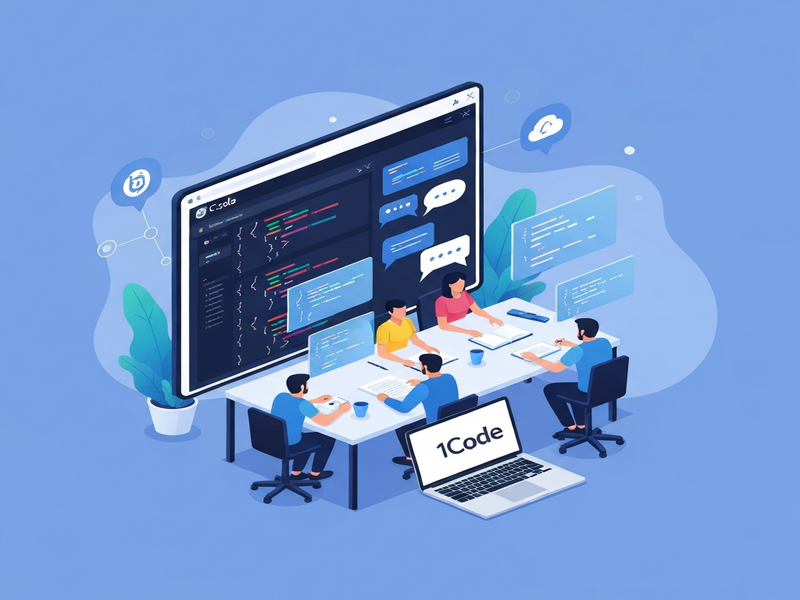
1code is an open‑source, cross‑platform UI that lets developers run multiple code agents in parallel, providing visual Git management, real‑time diffs, and background execution for AI‑driven development workflows.
Introduction: Why 1code Matters for Modern Developers
In the era of AI‑augmented software development, developers need tools that bridge the gap between powerful language models and everyday coding tasks. 1code delivers exactly that—a dedicated interface for launching, monitoring, and managing code agents such as Claude, OpenAI, and Codex without leaving the comfort of a single application. Whether you’re building a prototype, automating repetitive refactors, or orchestrating large‑scale code generation pipelines, 1code streamlines the process and reduces context‑switching.
Overview of the 1code Project
Created by the 21st.dev team, 1code is released under the permissive Apache‑2.0 license, making it free for commercial and personal use. The project has quickly gained traction, boasting over 2.6k stars and a vibrant community of contributors.
Key architectural choices include:
- TypeScript‑first codebase (≈98% of the repository), ensuring strong typing and modern JavaScript features.
- Cross‑platform support: native builds for macOS and Linux, with experimental Windows compatibility.
- Modular design that allows integration with existing UBOS platform overview services, such as AI agents and data stores.
Key Features and Benefits
1code packs a suite of developer‑centric capabilities that turn AI code agents from experimental toys into production‑ready assistants.
Parallel Agent Execution
Run multiple agents side‑by‑side, each isolated in its own Git worktree. This prevents accidental changes to the main branch while allowing you to compare outcomes instantly.
Background Processing
Agents can continue running in the background, freeing you to continue coding, reviewing PRs, or testing other features without interruption.
Integrated Git Client
The built‑in Git UI offers staging, committing, branch creation, and pull‑request management without leaving the app. Visual diffs appear side‑by‑side, making it easy to spot AI‑generated changes.
Real‑Time Diff Preview
Before committing, you can view a live markdown diff that highlights additions, deletions, and modifications, ensuring you retain full control over AI suggestions.
Planning Assistant
1code prompts the agent with clarifying questions, then presents a structured plan in markdown. You can approve, edit, or reject the plan before execution.
Embedded Terminal & Project Detection
Access a full terminal inside the UI, and let 1code automatically detect Git remotes, simplifying onboarding for existing repositories.
Benefits for developers:
- Reduced context switching between IDE, terminal, and browser.
- Higher confidence in AI‑generated code thanks to visual diffs and approval workflows.
- Scalable experimentation—run dozens of agents in parallel without manual setup.
- Seamless integration with other UBOS services like the Web app editor on UBOS or the Workflow automation studio.
Installation and Usage Instructions
Getting started with 1code is straightforward, whether you prefer building from source or using a pre‑built binary.
Prerequisites
- Node.js (>=18) or OpenAI ChatGPT integration for API access.
- Bun (optional, for faster builds) –
curl -fsSL https://bun.sh/install | bash - Git command‑line tools.
- For macOS: Xcode Command Line Tools (
xcode-select --install).
Step‑by‑Step Installation
- Clone the repository:
git clone https://github.com/21st-dev/1code.git && cd 1code - Install dependencies:
bun install # or npm install - Build the application:
bun run build - Run the binary:
./dist/1code
First‑Run Walkthrough
When you launch 1code, you’ll see a clean dashboard with three primary panes:
- Agent Selector: Choose Claude, OpenAI, or a custom Codex endpoint.
- Workspace Explorer: Navigate your repository, create new worktrees, and view branch status.
- Output Console: Real‑time logs from the running agent, including plan previews.
To start an agent, click New Agent, select the model, and provide a high‑level instruction (e.g., “Refactor this module to use async/await”). The UI will ask follow‑up questions, generate a plan, and then execute the plan in a background worktree.
Community, Support, and Licensing
1code thrives on an open‑source ethos. The Apache‑2.0 license permits commercial use, modification, and distribution without royalty fees.
Community resources include:
- UBOS partner program – partners can receive priority support and early‑access features.
- Discord server (link available in the repo’s README) for real‑time troubleshooting.
- Comprehensive About UBOS documentation that explains how 1code fits into the broader UBOS ecosystem.
- Contribution guidelines that encourage pull requests, issue reporting, and feature proposals.
For enterprises seeking a managed experience, the Enterprise AI platform by UBOS offers hosted deployments, SLA‑backed support, and integration with the Chroma DB integration for vector search.
SEO Keywords and Internal Linking Strategy
Targeting the right keywords ensures that developers searching for “code agents UI” or “open source AI development tools” discover 1code quickly. Below is a concise list of primary and secondary keywords woven throughout this article:
- Primary: 1code, code agents UI, developer tools, open source, GitHub, ubos.tech, software development, automation, UI for code agents
- Secondary: AI code assistants, parallel agent execution, background processing, visual diffs, AI‑driven workflow
Strategic internal linking amplifies topical relevance across the UBOS site. Throughout the article we’ve linked to related resources such as the UBOS templates for quick start, the AI marketing agents, and the UBOS pricing plans. These links help search engines understand the ecosystem and improve the authority of both 1code and UBOS pages.
Additionally, we showcase a few marketplace templates that complement 1code’s capabilities:
- AI Article Copywriter – generate documentation for your code agents directly from 1code.
- AI SEO Analyzer – evaluate the SEO impact of generated content.
- AI Chatbot template – embed a conversational interface into your 1code‑managed projects.
- GPT-Powered Telegram Bot – push agent results to a Telegram channel for instant notifications.
- AI Video Generator – turn code walkthroughs into short explainer videos.
Conclusion: Take the Next Step with 1code
If you’re a developer, DevOps engineer, or tech enthusiast looking to supercharge your workflow with AI‑driven code agents, 1code offers a production‑ready, open‑source solution that integrates seamlessly with the broader UBOS ecosystem.
Explore the repository, try the pre‑built binaries, and join the community to shape the future of AI‑assisted development. For a deeper dive into UBOS’s capabilities, visit the UBOS homepage or check out the UBOS portfolio examples to see real‑world deployments.
Ready to experiment? Grab the source code now:
Visit the 1code GitHub Repository
Start building smarter, faster, and with confidence—integrate 1code into your development pipeline today.