
Tools
Tools are for LLMs to request, i.e. Claude Desktop app. Claude Sonnet 3.5 intelligently uses both tools, I was pleasantly surprised.
run_command- run a command, i.e.hostnameorls -alorecho "hello world"etc- Returns STDOUT and STDERR as text
run_script- run a script! (i.e.fish,bash,zsh,python)- Let your LLM run the code it writes!
- script is passed over STDIN
run_script==run_command+ script over STDIN- Claude has been pretty creative with this, i.e. using
catas the interpreter to create new files!
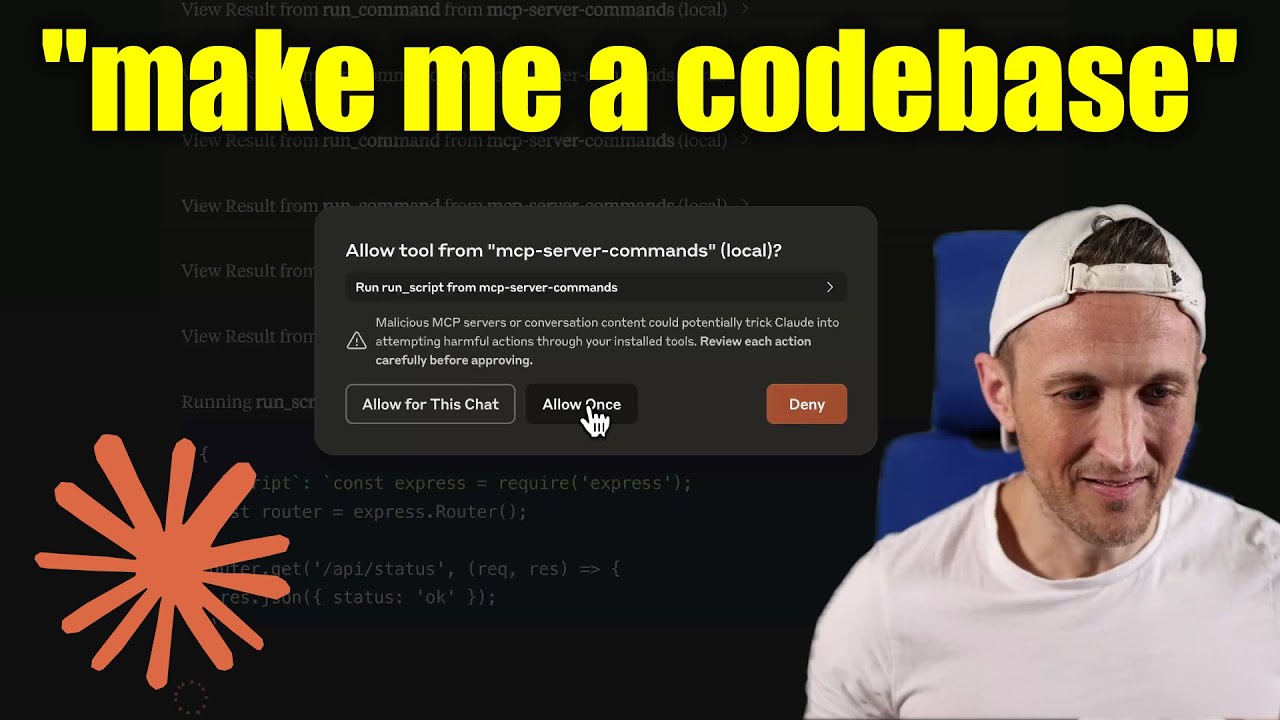
[!WARNING] Be careful what you ask this server to run! In Claude Desktop app, use
Approve Once(notAllow for This Chat) so you can review each command, useDenyif you don’t trust the command. Permissions are dictated by the user that runs the server. DO NOT run withsudo.
Video walkthrough
Prompts
Prompts are for users to include in chat history, i.e. via Zed’s slash commands (in its AI Chat panel)
run_command- generate a prompt message with the command output
Development
Install dependencies:
npm install
Build the server:
npm run build
For development with auto-rebuild:
npm run watch
Installation
To use with Claude Desktop, add the server config:
On MacOS: ~/Library/Application Support/Claude/claude_desktop_config.json
On Windows: %APPDATA%/Claude/claude_desktop_config.json
Use the published npm package
Published to npm as mcp-server-commands using this workflow
{
  "mcpServers": {
    "mcp-server-commands": {
      "command": "npx",
      "args": ["mcp-server-commands"]
    }
  }
}
Use a local build (repo checkout)
{
  "mcpServers": {
    "mcp-server-commands": {
      // works b/c of shebang in index.js
      "command": "/path/to/mcp-server-commands/build/index.js"
    }
  }
}
Logging
Claude Desktop app writes logs to ~/Library/Logs/Claude/mcp-server-mcp-server-commands.log
By default, only important messages are logged (i.e. errors).
If you want to see more messages, add --verbose to the args when configuring the server.
By the way, logs are written to STDERR because that is what Claude Desktop routes to the log files.
In the future, I expect well formatted log messages to be written over the STDIO transport to the MCP client (note: not Claude Desktop app).
Debugging
Since MCP servers communicate over stdio, debugging can be challenging. We recommend using the MCP Inspector, which is available as a package script:
npm run inspector
The Inspector will provide a URL to access debugging tools in your browser.
Server Commands

Project Details
- g0t4/mcp-server-commands
- mcp-server-commands
- MIT License
- Last Updated: 4/22/2025
Recomended MCP Servers
Geocoding MCP server with GeoPY!
Bluesky MCP (Model Context Protocol) Server
A Slack MCP server
An MCP server that enables searches within Obsidian vaults using the Omnisearch plugin API. Returns absolute paths to...
This is an MCP (Model Context Protocol) Server for discovering and downloading 3D models
Model Context Protocol server implementation for Figma API
An MCP server to read MCP logs to debug directly inside the client
Talk to a Cloudflare Worker from Claude Desktop!
An MCP Server for querying InfluxDB
MCP server for Gmail integration
Featured Templates
View More





