
21st.dev Magic AI Agent
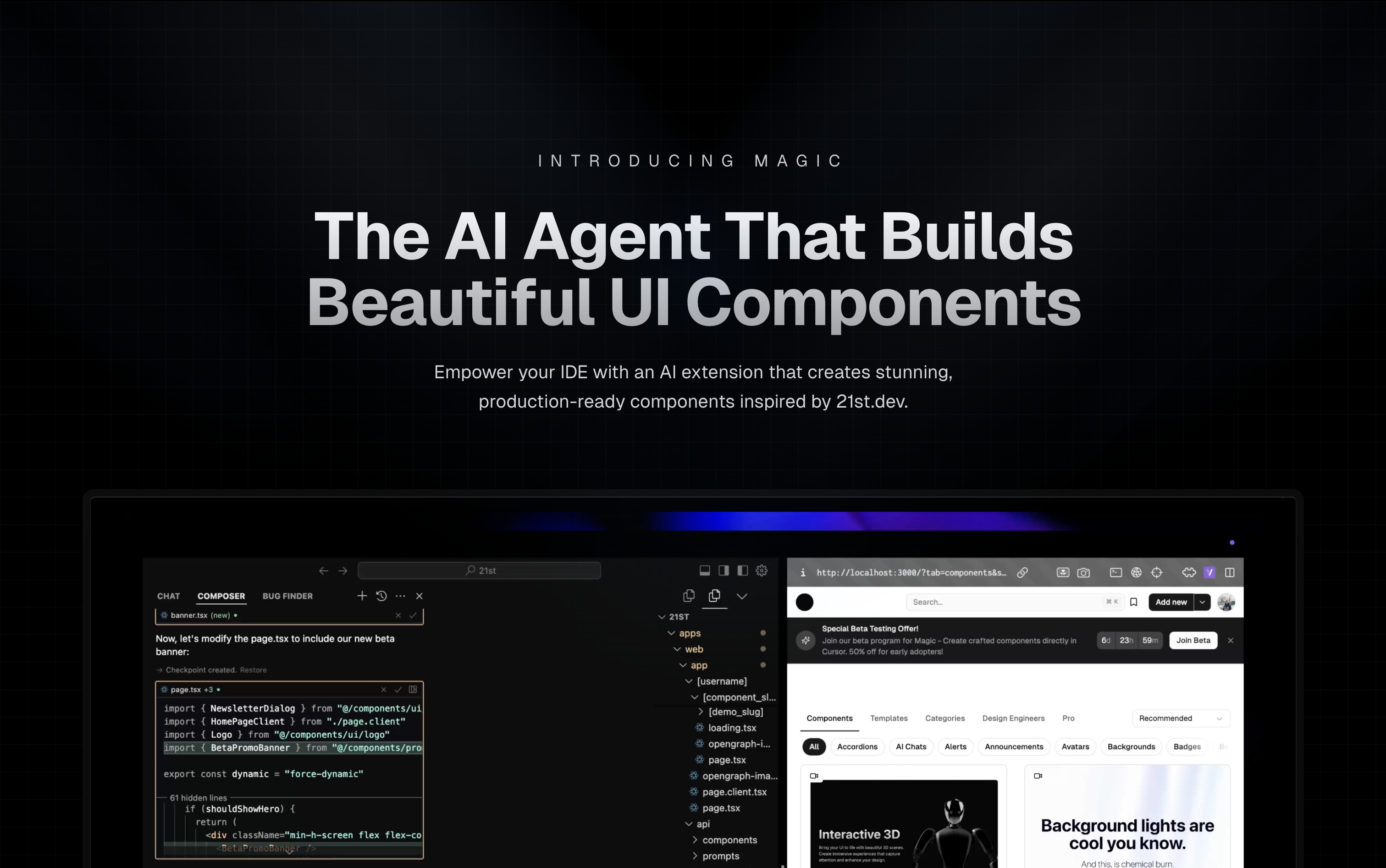
Magic Component Platform (MCP) is a powerful AI-driven tool that helps developers create beautiful, modern UI components instantly through natural language descriptions. It integrates seamlessly with popular IDEs and provides a streamlined workflow for UI development.
🌟 Features
- AI-Powered UI Generation: Create UI components by describing them in natural language
- Multi-IDE Support:
- Cursor IDE integration
- Windsurf support
- VSCode + Cline integration (Beta)
- Modern Component Library: Access to a vast collection of pre-built, customizable components inspired by 21st.dev
- Real-time Preview: Instantly see your components as you create them
- TypeScript Support: Full TypeScript support for type-safe development
- SVGL Integration: Access to a vast collection of professional brand assets and logos
- Component Enhancement: Improve existing components with advanced features and animations (Coming Soon)
🎯 How It Works
Tell Agent What You Need
- In your AI Agent’s chat, just type
/uiand describe the component you’re looking for - Example:
/ui create a modern navigation bar with responsive design
- In your AI Agent’s chat, just type
Let Magic Create It
- Your IDE prompts you to use Magic
- Magic instantly builds a polished UI component
- Components are inspired by 21st.dev’s library
Seamless Integration
- Components are automatically added to your project
- Start using your new UI components right away
- All components are fully customizable
🚀 Getting Started
Prerequisites
- Node.js (Latest LTS version recommended)
- One of the supported IDEs:
- Cursor
- Windsurf
- VSCode (with Cline extension)
Installation
Generate API Key
- Visit your Magic dashboard
- Navigate to the API section
- Generate a new API key
IDE Setup
Cursor IDE
npx -y @smithery/cli@latest run @21st-dev/magic-mcp --config "{"TWENTY_FIRST_API_KEY":"your-api-key"}"
Windsurf
Add to ~/.codeium/windsurf/mcp_config.json:
{
  "mcpServers": {
    "magic": {
      "command": "npx",
      "args": [
        "-y",
        "@smithery/cli@latest",
        "install",
        "@21st-dev/magic-mcp",
        "--client",
        "windsurf"
      ],
      "env": {
        "TWENTY_FIRST_API_KEY": "your-api-key"
      }
    }
  }
}
VSCode + Cline (Beta)
Add to Cline’s MCP configuration:
{
  "mcpServers": {
    "magic": {
      "command": "npx",
      "args": [
        "-y",
        "@smithery/cli@latest",
        "install",
        "@21st-dev/magic-mcp",
        "--client",
        "cline"
      ],
      "env": {
        "TWENTY_FIRST_API_KEY": "your-api-key"
      }
    }
  }
}
❓ FAQ
How does Magic AI Agent handle my codebase?
Magic AI Agent only writes or modifies files related to the components it generates. It follows your project’s code style and structure, and integrates seamlessly with your existing codebase without affecting other parts of your application.
Can I customize the generated components?
Yes! All generated components are fully editable and come with well-structured code. You can modify the styling, functionality, and behavior just like any other React component in your codebase.
What happens if I run out of generations?
If you exceed your monthly generation limit, you’ll be prompted to upgrade your plan. You can upgrade at any time to continue generating components. Your existing components will remain fully functional.
How soon do new components get added to 21st.dev’s library?
Authors can publish components to 21st.dev at any time, and Magic Agent will have immediate access to them. This means you’ll always have access to the latest components and design patterns from the community.
Is there a limit to component complexity?
Magic AI Agent can handle components of varying complexity, from simple buttons to complex interactive forms. However, for best results, we recommend breaking down very complex UIs into smaller, manageable components.
🛠️ Development
Project Structure
mcp/
├── app/
│   └── components/     # Core UI components
├── types/             # TypeScript type definitions
├── lib/              # Utility functions
└── public/           # Static assets
Key Components
IdeInstructions: Setup instructions for different IDEsApiKeySection: API key management interfaceWelcomeOnboarding: Onboarding flow for new users
🤝 Contributing
We welcome contributions! Please join our Discord community and provide feedback to help improve Magic Agent. The source code is available on GitHub.
👥 Community & Support
- Discord Community - Join our active community
- Twitter - Follow us for updates
⚠️ Beta Notice
Magic Agent is currently in beta. All features are free during this period. We appreciate your feedback and patience as we continue to improve the platform.
📝 License
MIT License
🙏 Acknowledgments
- Thanks to our beta testers and community members
- Special thanks to the Cursor, Windsurf, and Cline teams for their collaboration
- Integration with 21st.dev for component inspiration
- SVGL for logo and brand asset integration
For more information, join our Discord community or visit 21st.dev/magic.
Magic AI Agent

Project Details
- oyasimi1209/magic-mcp
- Last Updated: 3/28/2025
Recomended MCP Servers
Model Context Protocol (MCP) servers for Drupal development. Includes tools for querying Drupal.org modules and interacting with Drush...
All-in-one infrastructure for search, recommendations, RAG, and analytics offered via API
An MCP server enabling CFBD API queries within Claude Desktop.
Model Context Protocol (MCP) server for interacting with Meta Ads API

GPTers AI 스터디 커뮤니티의 지식을 검색할 수 있는 MCP 서버입니다.
A Model Context Protocol server for connecting LLM to databases via JDBC.
Featured Templates
View More





