

- Updated: March 12, 2026
- 5 min read
From Local to Production: Hosting OpenClaw on UBOS
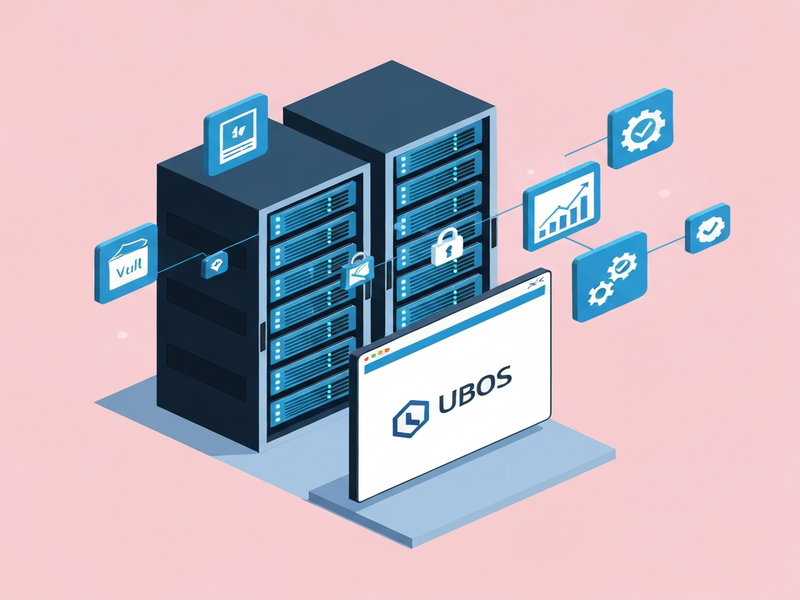
Hosting OpenClaw on UBOS provides always‑on servers, built‑in HTTPS, secure secret management, real‑time monitoring, and zero‑downtime upgrades, turning a local bot into a production‑grade service.
Introduction
OpenClaw (formerly Clawd.bot/Moltbot) is a powerful, self‑hosted chatbot that many developers run on laptops or temporary cloud VMs. While this works for experimentation, moving to production demands reliability, security, and scalability. UBOS—a unified, AI‑first operating system—offers a turnkey environment that eliminates the operational overhead of managing servers, certificates, and secrets. This guide explains why UBOS is the ideal host for OpenClaw, walks you through a step‑by‑step migration, and showcases real‑world scenarios where teams have successfully made the switch.
Why Move OpenClaw to UBOS?
Always‑on Servers
UBOS runs on dedicated, always‑on infrastructure that guarantees 99.9% uptime. Your OpenClaw instance stays reachable 24/7 without the need for manual restarts or cron‑based keep‑alive scripts.
Built‑in HTTPS
Security starts with encrypted traffic. UBOS automatically provisions free TLS certificates via Let’s Encrypt, renewing them silently. No more fiddling with Nginx configs or worrying about certificate expiry.
Secret Management
API keys, database passwords, and OAuth tokens are stored in UBOS’s encrypted vault. Access is granted only to the OpenClaw process, reducing the risk of accidental leaks in code repositories.
Monitoring & Alerts
UBOS includes a built‑in monitoring stack (Prometheus + Grafana) that tracks CPU, memory, request latency, and error rates. You can configure Slack or email alerts for anomalies, ensuring rapid response before users notice an issue.
Safe, Zero‑Downtime Upgrades
When a new OpenClaw version is released, UBOS performs a rolling upgrade: a fresh container is launched, health‑checked, and then the old instance is terminated. This guarantees uninterrupted service and eliminates manual migration steps.
Together, these features transform a hobby project into a production‑ready AI service. For a deeper look at UBOS’s capabilities, explore the UBOS platform overview and the Enterprise AI platform by UBOS.
Step‑by‑Step Migration Guide
Prerequisites
- Access to a UBOS account (sign‑up at the UBOS homepage).
- Current OpenClaw source code and configuration files.
- Docker installed locally (optional, for testing).
- Domain name you own for the bot’s public endpoint.
Exporting Current Configuration
OpenClaw stores its settings in a .env file. Copy this file to a secure location and remove any hard‑coded secrets. Instead, note the variable names (e.g., OPENAI_API_KEY)—you’ll re‑enter them in UBOS’s secret vault later.
Setting Up a UBOS Instance
- Log in to the UBOS dashboard and click Create New Instance.
- Select the AI‑Ready template. This pre‑installs Python, Node.js, and the OpenAI ChatGPT integration, which OpenClaw relies on.
- Choose a region closest to your user base for low latency.
- Confirm the pricing tier that matches your expected load. See the UBOS pricing plans for details.
Deploying OpenClaw on UBOS
UBOS uses a declarative ubos.yaml file to describe services. Create the file in your project root:
services:
  openclaw:
    image: ghcr.io/openclaw/openclaw:latest
    ports:
      - "443:8443"
    env_from:
      - secret: openclaw-secrets
    healthcheck:
      path: /health
      interval: 30s
Then, push the secrets to UBOS:
ubos secret set openclaw-secrets OPENAI_API_KEY=your_key DISCORD_TOKEN=your_token
Finally, run ubos deploy. UBOS builds the container, attaches the secret vault, and exposes the service over HTTPS automatically.
Verifying the Migration
- Visit
https://your-domain.com/health– you should see{"status":"ok"}. - Check the UBOS dashboard’s Logs tab for any startup errors.
- Use the built‑in Workflow automation studio to simulate a user message and confirm a proper response.
Switching DNS & Go‑Live
Update your domain’s DNS A record to point to the UBOS instance’s public IP. Because TLS is already provisioned, the switch is seamless—no downtime for existing users.
For a complete walkthrough, refer to the detailed hosting guide.
Real‑World Use Cases
Small Teams Scaling to Production
A startup of three developers used OpenClaw for internal knowledge sharing. After a month of growth, they needed a reliable endpoint for their sales team. By moving to UBOS, they gained instant HTTPS, secret vault protection, and auto‑scaling without hiring a DevOps engineer. Their UBOS for startups plan covered the cost while keeping the stack simple.
Enterprises Needing Compliance & Security
A multinational corporation required GDPR‑compliant logging and role‑based access to bot credentials. UBOS’s encrypted secret management and audit‑ready monitoring satisfied the compliance team. The Enterprise AI platform by UBOS also integrated with the company’s SIEM, providing real‑time alerts on anomalous bot activity.
Community Projects with Continuous Deployment
An open‑source community built a public OpenClaw instance for hobbyists. Using UBOS’s Web app editor on UBOS, contributors could push updates directly from GitHub. The zero‑downtime upgrade mechanism ensured that the bot never went offline during feature releases, keeping the community engaged.
If you need a ready‑made bot template, explore the GPT‑Powered Telegram Bot – a close cousin of OpenClaw that demonstrates UBOS’s integration capabilities.
Conclusion & Call to Action
Migrating OpenClaw from a local experiment to a production service no longer requires a full‑time operations team. UBOS delivers always‑on servers, automatic HTTPS, secure secret handling, proactive monitoring, and seamless upgrades—all within a single, developer‑friendly platform.
Ready to make the move? Start by signing up on the UBOS homepage, follow the step‑by‑step guide linked above, and join the growing community of AI‑powered bots that run reliably at scale.
Have questions or need assistance? Reach out through the About UBOS page or explore the UBOS partner program for dedicated support.
“Hosting on UBOS turned our nightly bot crashes into a smooth, always‑on experience—without writing a single line of ops code.” – Lead Engineer, AI Startup
For background on OpenClaw’s original launch, see the original announcement.
Andrii Bidochko
CTO UBOS
Andrii Bidochko is an AI entrepreneur and researcher focused on AI agents, reinforcement learning, and autonomous systems. He writes about the technologies shaping the future of machine intelligence, from frontier models and agent architectures to real-world AI applications.